In this article:
The Philippines' Small and Medium Enterprises (SMEs) remain the backbone of the economy, accounting for 99.63% of the country's 1.246 million registered businesses and nearly 67% of total employment.1
This strong presence continues to grow as SMEs accelerate their digital transformation and adopt a range of digital solutions to support daily operations and customer engagement. However, going digital means handling significantly more customer data. This increases exposure to cyberattacks, as every online transaction and digital record becomes a potential entry point for cybercriminals.
The good news is that strong data security for small businesses does not always require a large IT team or extensive resources. With the right practices, digital tools, and a reliable partner, SMEs can better protect their operations and customer information from cyber threats.
As part of its commitment to empowering Filipino businesses, Globe Business put together this guide to help SMEs understand data privacy, identify key threats, and adopt practical, cost-effective ways to stay secure in a digital-first environment.
Protecting Customer Information Matters
Customer information is one of the most important assets a business handles. A National Privacy Commission (NPC) survey2 found that 94% of Filipinos want transparency in data use, while 85% value data privacy rights, underscoring the impact on trust and credibility.
There are various reasons why protecting customer information should be one of your priorities.
Customer trust is a business asset.
When customers share their personal information with you, they are placing their confidence in your business. Losing that trust after a data incident is more costly than investing in security from the start.
Data incidents can damage your reputation.
News of a data breach or security incident can spread quickly and have a lasting negative impact on your business. It can damage your reputation, drive away customers, and take years to recover.
Small businesses are not exempt from cyberattacks.
Cybercriminals do not just target large corporations; they also target SMEs through phishing scams and malware, assuming these businesses have weaker security.
Non-compliance can have serious consequences.
The Data Privacy Act of 2012 (Republic Act No. 10173)3 legally requires all businesses that collect and process personal data to protect it. Failure to report a breach can result in imprisonment and fines of up to one million pesos.
Common Cybersecurity Risks
The Philippines currently ranks 16th globally for compromised accounts,4 highlighting the growing threat of data breaches. It reflects how increasingly exposed businesses are to cyber risks that can impact operations, data security, and customer trust.
This is also why SMEs must be aware of the most common cybersecurity risks that they are vulnerable to.
Phishing
Phishing attacks use fake emails, messages, calls, and websites to trick users into revealing sensitive information or clicking malicious links. These are the fastest-growing digital threats in the Philippines.5
Malware
Malware includes Trojans, worms, spyware, and viruses. It is a leading cyber threat in the Philippines6 that infiltrates systems to steal data or disrupt operations.
Ransomware
Ransomware encrypts files or systems and demands a ransom for their release. As an example, one in four companies in the Philippines has paid an average of $500,000 (~₱30.6M) to regain access to their systems.7
Spoofing
Spoofing is a cyberattack in which criminals impersonate trusted entities by using fake emails, websites, caller IDs, or other data to trick victims into revealing sensitive information or granting access to systems.
Social Media Impersonations
Cybercriminals create or hijack accounts to impersonate trusted individuals or organizations to steal information, spread misinformation, or scam victims.
Supply Chain Attacks
These attacks target trusted third-party vendors to insert malicious code into systems to enable attackers to compromise multiple connected businesses through a single point of entry.
Insider Threats
Insider threats occur when employees, contractors, or partners misuse or accidentally expose sensitive information, leading to data theft, sabotage, or unintentional breaches.
Cybersecurity Best Practices
For many SMEs without a dedicated IT team or budget, protecting against cyber threats can feel difficult. However, there are simple steps you can take to improve your cybersecurity and protect your business and customer information.
Implement strong password policies.
Avoid simple passwords like birthdays or "123456." Use a combination of letters, numbers, and symbols, and ensure each account has a unique password.
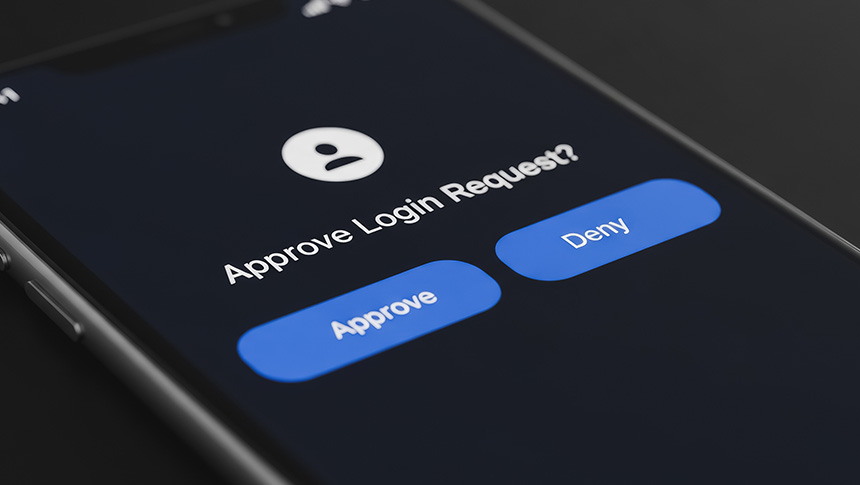
Enable Two-Factor Authentication (2FA).
2FA adds an extra layer of security by requiring users to verify their identity with a second method, such as an authenticator app, security key, or Short Message Service code, helping protect accounts from simple password theft.
Regularly update your devices and systems.
Keep your devices and software up to date. Updates often include security patches that fix vulnerabilities targeted by hackers.
Limit access to sensitive information.
Not everyone on your team needs access to all customer data. Restrict access based on roles and responsibilities.
Back up important files and records.
Regularly backing up business data to a separate hard drive or the cloud helps you recover it more quickly and minimizes costly downtime if you experience a cyberattack, hardware failure, natural disaster, theft, or accidental deletion.
Train your team regularly.
Regularly updating your team on the latest cybersecurity best practices is one of the most effective ways to prevent cyberattacks, especially as threats evolve.
Protecting Customer Data When Selling Online
If your business operates through an online store or e-commerce platforms and marketplaces, there are additional practices to protect your business.
Collect only the information you actually need.
Only ask for information that is necessary for your business operations, and provide clear reasons as to why you are collecting it.
Use secure payment methods and trusted platforms.
Use secure, trusted payment systems to protect both customers' financial information and business transactions.
Avoid unnecessary storage of sensitive customer details.
Do not store sensitive customer information unless absolutely necessary to reduce security risks.
Be transparent about how you use customer data.
The NPC requires a lawful basis for collecting and using customer data, with consent as one option. When consent is used, it must be explicit,8 meaning customers clearly understand what they are agreeing to. Consent must be documented in written, electronic, or recorded form.
Ensure staff handling customer data follow basic security practices.
Make sure everyone on your team handling customer data follows basic security measures and guidelines.
Tools and Quick Security Checks
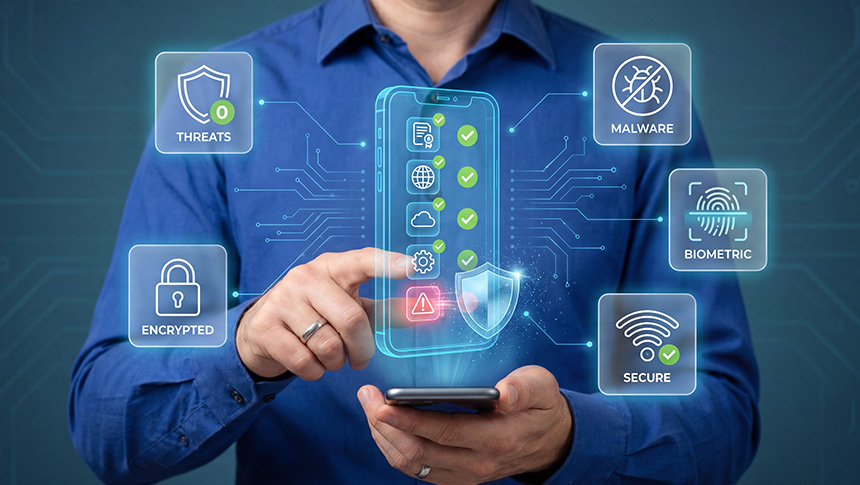
Starting with a few digital solutions and forming good habits help protect your operations, devices, and customer information. Along with those, take note of these other essential tools and reminders.
Essential Tools for SMEs
Password Manager - Securely store and manage all your login credentials in one place, so you never reuse passwords.
Antivirus and Mobile Security Apps - Keep all your devices protected from malware, viruses, and other cyber threats.
Cloud Storage with Backup Features - Use a reputable cloud storage service that offers automatic backups to ensure your data is always protected and easily accessible.
Virtual Private Network (VPN) - A VPN encrypts your internet traffic and hides your IP address. With this, you can securely access company information from anywhere.
Reliable Business Internet - Having a dependable internet connection is a basic requirement for any small business today. Make it secure by creating separate networks for employees and guests to protect confidential data and other business activity online.
Collaboration Tools with Built-in Security Features - Choose a collaboration tool that offers end-to-end encryption, secure file sharing, and user access controls to protect your company and clients' data.
Quick Reminders About Cybersecurity Check
Take a moment to ask yourself the following questions.
Is there a clear policy on who can access sensitive business information?
Are you monitoring login activity on your business accounts?
Do you regularly review which apps and platforms have access to your accounts?
Do your employees know how to spot scams or suspicious links?
Are your employees trained on basic data handling and cybersecurity practices?
Are employee accounts removed or updated immediately when roles change or staff leave?
Is your business’ internet connection secure?
Do you know what to do if a data breach occurs?
Do you have a clear privacy notice explaining how you collect, use, store, and share customer information?
If you answered "no" to any of these, it may be time to strengthen your cybersecurity practices.
How Globe Business Can Help
Running a business online means staying connected and staying protected at the same time. As SMEs continue their digital transformation, Globe Business is here to ensure security keeps pace with that transition.
For businesses that are always on the move, Mobile GPlan Biz includes Zimperium Mobile Security to protect your devices from phishing attacks, malicious apps, and other mobile cyber threats.
On the other hand, if you are looking to secure your network from the ground up, all GFiber Biz plans include a Free Vulnerability Assessment Scan for 12 months to identify potential vulnerabilities and improve your overall cybersecurity readiness.
Protecting your business and your customers does not have to be overwhelming. With Globe Business as your connectivity and digital solutions partner, you can start building a safer digital business by strengthening your connectivity, tools, and cybersecurity practices today.
Sources:
1https://www.bworldonline.com/special-features/2025/11/10/710803/empowering-msmes-through-financing-digital-tools-and-upskilling
2https://privacy.gov.ph/npc-survey-filipinos-value-data-privacy
3https://privacy.gov.ph/exercising-breach-reporting-procedures
4https://surfshark.com/research/data-breach-monitoring?country=ph
5https://www.pna.gov.ph/articles/1267539
6https://cyberint.com/blog/threat-intelligence/philippine-threat-landscape-report-2024-2025
7 https://business.inquirer.net/528096/ransomware-attacks-cost-ph-firms-500000-each
8https://privacy.gov.ph/online-sellers-told-to-protect-customers-personal-data-from-unauthorized-disclosure-and-improper-disposal