In this article:
Moving into a new condo is a big step that comes with plenty of to-dos. Whether you're a college student, a first-time jobber, or a newly married couple, setting up the internet has become one of the first things to take care of.
That's why we've put together a guide to make this part of your move-in process simpler. Check out this basic checklist to secure fast, reliable WiFi for condo living without complicated installations.
WiFi Connectivity as a Competitive Advantage in Condo Living

For condo renters in particular, a strong internet connection is often a deciding factor when choosing a unit. Many are digital-first individuals who rely on stable WiFi for remote work, online classes, streaming, gaming, and keeping in touch with loved ones.
In fact, nearly half of surveyed Filipino renters say dependable internet (and backup power) are deal‑breakers when choosing where to live. This growing preference highlights how a condo equipped with great internet options has a distinct advantage in attracting and satisfying residents.
Factors to Consider When Choosing WiFi for Your Condo
Picking the right WiFi plan goes beyond just speed. Flexibility, installation time, and affordability also play a major role. Here’s what to consider before making your choice.
- Internet Usage: Light browsing? Community WiFi might do the trick. In fact, some condos include it in rent. But for streaming, remote work, or online classes, a private plan offers better speed, security, and control.
- Speed and Reliability: Think about what you’ll use the internet for. Whether for basic tasks like browsing and social media, or streaming music, mobile based gaming, or work-from-home setups. If you’re using community WiFi, remember that speed may fluctuate depending on how many neighbors are connected. Remember to check your building’s signal strength if you’re considering a wireless solution like 5G.
- Contract Flexibility: If you’re renting short-term, committing to a long-term contract might not make sense. Subscription-based or month-to-month plans like Globe AT HOME 5G WiFi let you start and stop service without termination fees and are ideal for those who value flexibility. In contrast, most fiber postpaid plans often come with 12- to 24-month contracts that can be restrictive if you plan to move.
- Installation and Setup Time: Traditional wired connections like fiber can take days or weeks to set up, often requiring a technician and building permission. Plug-and-play devices, Globe AT HOME 5G WiFi for example, are much quicker. Just plug them in and you’re online, no drilling required.
- Cost and Budget: Fiber plans often come with higher upfront costs. 5G WiFi, on the other hand, has a one-time device cost but pay-as-you-go promos, which can be budget-friendly if your usage varies month to month.
- Device Compatibility and Condo Policies: Make sure your chosen WiFi setup supports all your gadgets. Most modern routers handle dozens of devices, but check for compatibility if you have smart TVs, game consoles, or IoT devices. Also, be aware of any building rules regarding external antennas or wiring, as these could limit your options.
Apply for 5G WiFi in Your Condo with These Fast and Easy Steps

Looking for fast, flexible internet without the hassle of installation or contracts? Globe AT HOME 5G WiFi is a great option for condo dwellers. Here’s a quick guide to help you get started.
1. Check if your area is serviceable.
Before anything else, you can check if your area is covered by visiting Globe’s coverage checker online or inquire with your condo admin to confirm that your unit is within the 5G footprint. Globe’s 5G footprint on areas like BGC, Makati, Ortigas, and other urban hubs is often covered, but it’s best to double-check for the strongest signal.
2. Reserve or purchase the device.
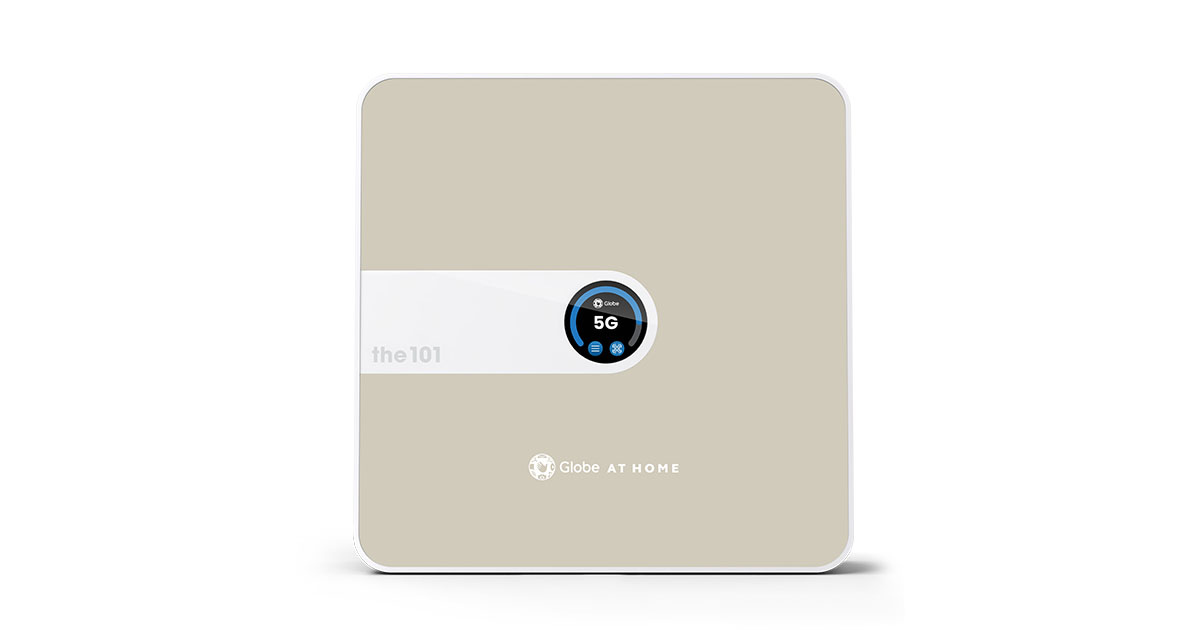
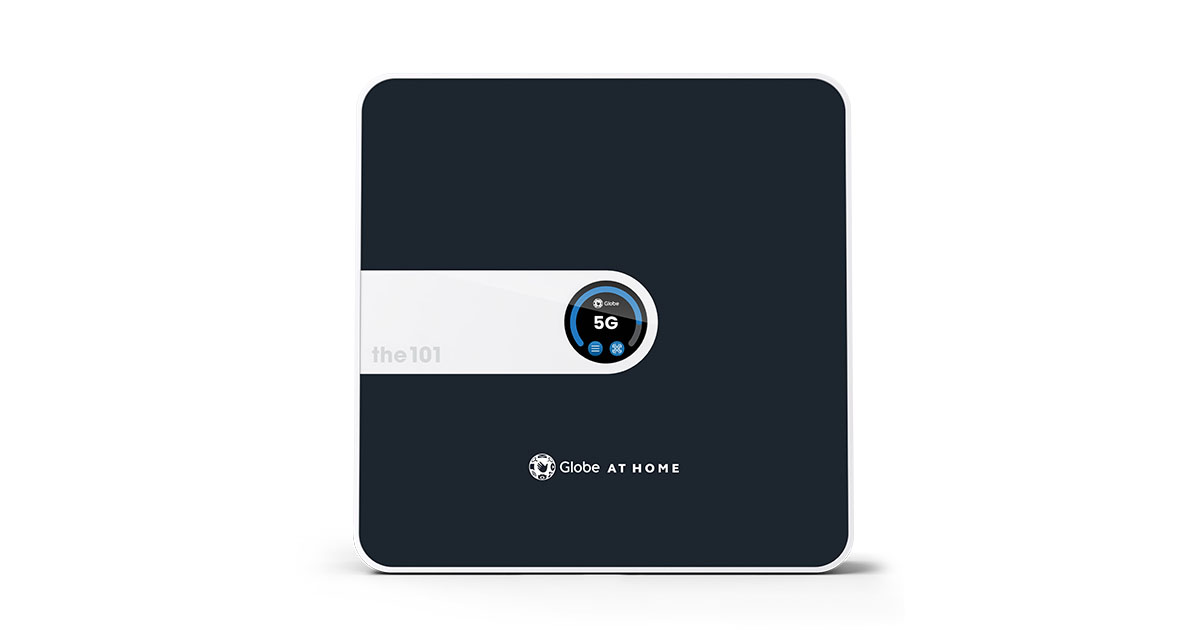
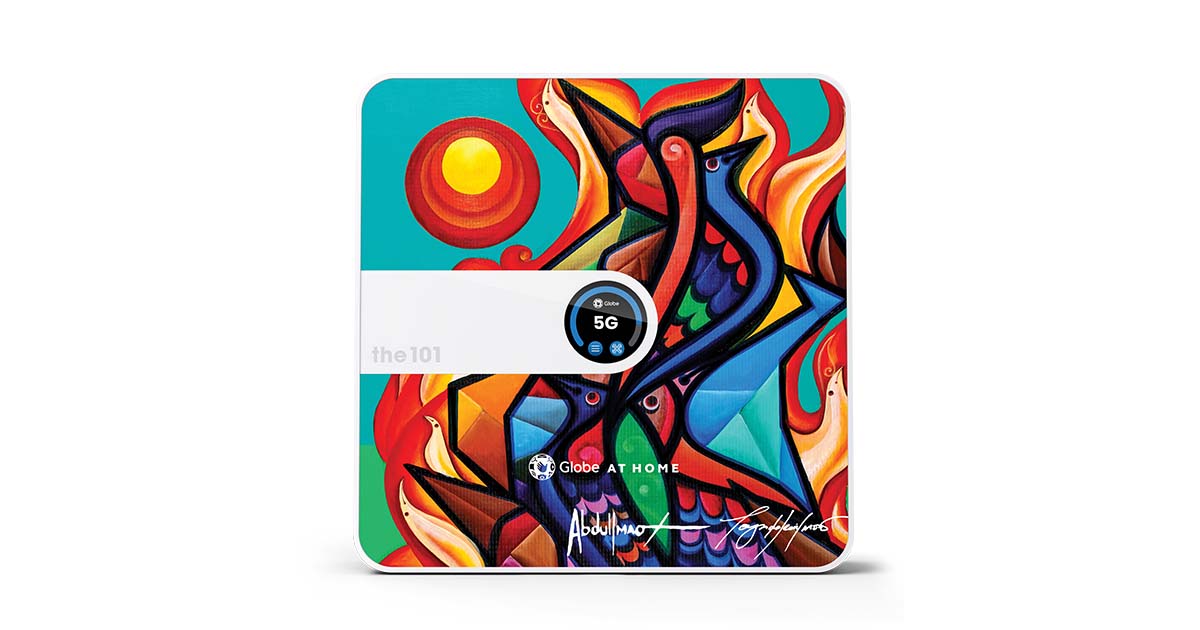


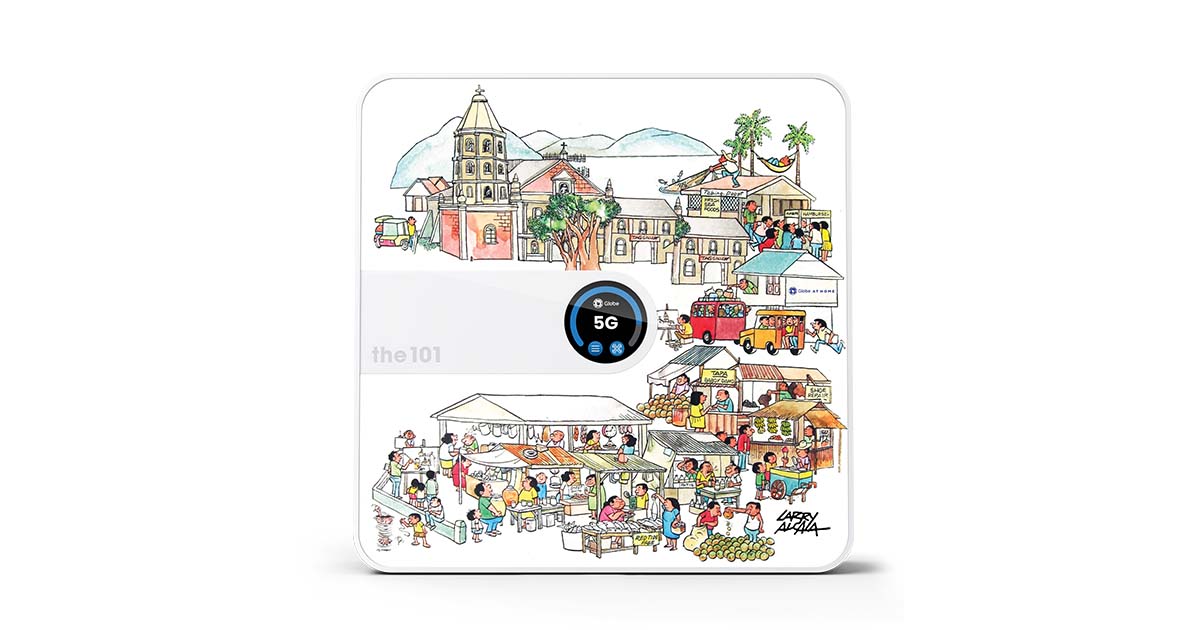
Once confirmed, you can reserve the device via the Globe Online Shop or by visiting any Globe Store. The ₱1,999 kit includes a stylish 5G modem featuring exclusive skins inspired by the works of renowned Philippine National Artists Vicente Manansala, Carlos “Botong” Francisco, Larry Alcala, and Abdulmari Imao (in collaboration with Toym Imao), turning your router into a statement piece. It also comes with a built-in screen, SIM card, and an initial data allocation. You get everything you need to get connected out of the box.
3. Set it up at home, no technician required.
Just plug the Globe AT HOME 5G WiFi in near a window or open area for optimal signal, and follow the guided setup on the modem’s touchscreen. You’ll be online within minutes, no drilling or installations necessary.
4. Register and load your SIM.
During setup, the modem will prompt you to register your SIM (as required by law). You can complete registration using your smartphone and the QR code displayed on the device. Once that’s done, you can load data promos directly via the GlobeOne app.
5. Manage your connection.
From the GlobeOne app, you can track usage, buy data promos, and even share your data across devices. You’re in full control: no monthly bills, no lock-in period; just pay for what you need when you need it.
Pro Tip: If your condo layout has thick walls or your unit sits in a tricky corner, try positioning the modem near a window or elevated spot for better signal. High floors with a direct line to a nearby cell tower often get the best 5G speeds. If you’re unsure whether the signal strength in your condo is good enough, try running a quick Speedtest using a Globe-connected mobile device.
How to Optimize Condo WiFi Performance
Condo units, with their concrete walls and compact layouts, can sometimes challenge a wireless signal. Here are some practical tips to get the best performance out of your condo WiFi.
- Find the ideal modem placement. Position your WiFi modem/router in a central, elevated spot like an open shelf in the living room for the best coverage. Avoid corners, closed cabinets, or spots behind large electronics like TVs. WiFi signals spread like a bubble, so placing the router centrally helps cover your entire unit. If your device has external antennas, try angling one vertically and one horizontally for better coverage in multi-story units.
- Avoid interference. Minimize electronic interference by keeping your modem away from microwaves, cordless phones, or large metal appliances like refrigerators, which can disrupt signals. Thick walls or metal doors can also weaken WiFi, so try to place the router where it has a clear line of sight to your main device areas.
- Use the right WiFi band. Your modem likely broadcasts two WiFi bands: 2.4 GHz and 5 GHz. Choose the WiFi band for your needs.
- 5 GHz: Faster and less congested, making it perfect for activities like streaming, video calls, or gaming when you’re close to the router. But its range is shorter and it doesn’t penetrate walls as effectively.
- 2.4 GHz: Slower but provides a longer range and better wall penetration, which makes it more stable for connecting in rooms farther from your modem. It's ideal for light browsing or messaging in distant areas of your condo.
- Minimize connected devices. Each device on your network shares the total bandwidth. If you have a lot of gadgets (phones, laptops, smart TVs, smart speakers), consider disconnecting ones you’re not using to free up bandwidth. Also, make sure your neighbors aren’t piggybacking on your connection. Use a strong WiFi password and check the connected device list regularly.
- Optimize router settings. Fine-tune your router for better performance by doing these.
- Firmware Updates: Keep your router’s firmware updated for the latest performance improvements.
- Channel Selection: If you experience interference, try switching WiFi channels (especially on the 2.4 GHz band) to a less crowded option. Use a WiFi analyzer app to find the best channel.
- Quality of Service (QoS): If your router supports it, enable QoS to prioritize important traffic like video calls or gaming over background downloads.
- Manage your connected devices. If your 5G WiFi feels slow, it might be due to heavy usage. If your connection starts to lag, try pausing automatic app updates, cloud backups, or background downloads on multiple devices. For smoother browsing, mobile gaming, or HD streaming, limit usage to a few devices at a time or adjust your device settings to prioritize essential apps.
- Secure your network. Protect your WiFi from unwanted users by changing the default admin password and using a strong, unique WiFi password. This not only secures your data but also ensures you’re not unknowingly sharing bandwidth with neighbors.
By following these tips, you’ll maximize the speed and reliability of your condo’s WiFi. Even a fast plan can feel slow with poor setup, and conversely, a modest plan can perform surprisingly well when optimized. So take a few minutes to place and tweak your equipment, it can make a big difference.
Welcome Home to Better WiFi
Setting up WiFi in your first condo doesn’t have to be complicated. With the right approach, you can quickly get connected without drilling holes or waiting for installation appointments. Flexible solutions like prepaid 5G home WiFi and wireless broadband let you plug in and start browsing within minutes—perfect for renters or first-time movers.
That’s exactly what makes Globe AT HOME 5G WiFi the best choice. It combines the ease of setup, speed, and reliability that new condo dwellers need, all without installation delays or complicated wiring. It’s the ultimate plug-and-play solution for online classes, hybrid work, and weekend streaming. Check if your area is serviceable, get connected in minutes, and start enjoying seamless condo living from day one.





Frequently Asked Questions
What if my condo unit has a weak signal for wireless internet?
If your unit’s Globe 4G/5G signal is weak, try the following.
- Reposition your modem. Place the device near a window or exterior wall to reduce obstructions and improve signal strength. Even small changes in placement can make a significant difference.
- Elevate the device. Set the modem on a shelf or desk to avoid floor-level interference.
- Check for external antennas. Some Globe modems support external antennas, which can boost weak signals if placed near a window.
- Optimize router settings. Update your modem’s firmware. New updates can improve performance.
- Consider a wired option. If wireless coverage is consistently poor, consider switching to fiber or a wired broadband plan.
How much internet speed do I really need for a condo?
It depends on your usage and how many people/devices are online.
- Light Users: 20-30 Mbps – Ideal for solo renters or couples who mostly stream in HD, browse, and use social media
- Moderate Users: 50-100 Mbps – Suitable for small families or roommates who stream 4K videos, game online, or work from home
- Heavy Users: 100+ Mbps – Best for those with multiple users, smart home devices, or heavy gaming/streaming needs
Tip: Start with a moderate plan and upgrade if needed. It’s often easier than downgrading. Also, consider latency (important for gaming and video calls). Fiber and 5G generally offer lower latency for a smoother experience.
Is prepaid internet better than postpaid (subscription) for new renters?
For most first-time renters, prepaid is a great choice because of its flexibility.
- No Contracts: You can stop anytime without penalties, making it ideal if you’re unsure how long you’ll stay.
- Budget Control: You only pay for the data you need, avoiding bill shock.
- Upfront Savings: Initial costs are limited to the modem purchase, with no long-term commitments.
However, postpaid plans can be better if you need consistent, high-speed, or unlimited data, as they often provide more value per GB over time. Many users start with prepaid and switch to postpaid once they settle in and understand their data needs.
What if the prepaid data runs out while I’m in the middle of something important?
Running out of data is inconvenient, but here’s how to handle it.
- Reload quickly. Use the GlobeOne app to top up your data. It's zero-rated, which means you can access it even without remaining data.
Take note, though, that if you leave the app or use external payment methods, it might start using your load or background data. To stay truly data-free while reloading, link your GCash account directly in GlobeOne or use “Load” as your payment method. This way, you can buy promos without worrying about extra charges.
- Have a backup. If possible, keep a secondary mobile data plan or pocket WiFi as a fallback, especially for important meetings or deadlines.
- Use data wisely. Pause large downloads, software updates, or cloud backups when your data is running low to stretch your remaining GBs.
- Stay informed. Set usage alerts in the GlobeOne app, so you’re never caught off guard. Regularly checking your balance can help you reload in advance
For many, the convenience of prepaid outweighs this occasional inconvenience. But if you prefer a truly always-on connection, consider upgrading to a postpaid plan.


