In this article:
Think about how much time you spend searching for answers, organizing notes, or pulling ideas together just to finish a project. Artificial Intelligence (AI) tools can now help simplify many of those tasks with just a few prompts.
AI tools are software applications that use artificial intelligence to answer questions, generate ideas, summarize information, and automate repetitive tasks. In short, they make everyday work easier, whether you’re studying, creating content, or handling professional tasks.
So if you’re a student racing deadlines or a young professional growing a side hustle, there’s an AI tool that can help you work better and get more done. It’s like having a digital assistant on standby.
Some tools excel at writing and editing, while others are built for coding, data analysis, or day-to-day planning. The trick is matching the tool to the job. Here are the top seven AI tools to simplify everyday tasks.
1. Gemini
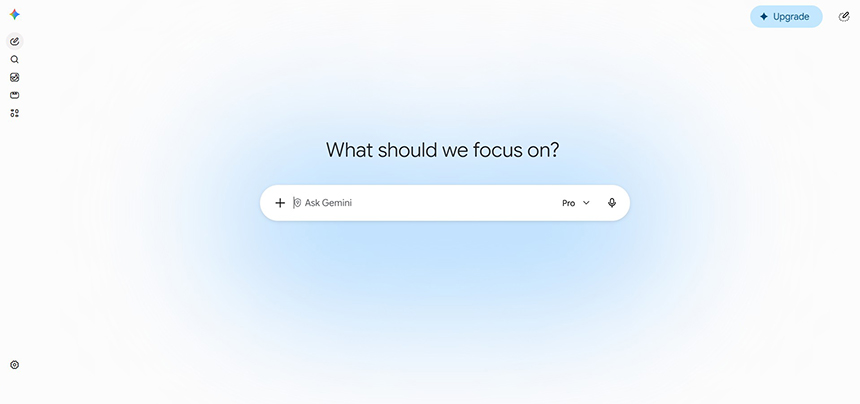
Image Credit: Gemini
When you need help making sense of information, Google’s AI assistant, Gemini, is a good place to start. It can explain topics, summarize long documents, and pull insights from charts, reports, or spreadsheets.
Gemini’s biggest advantage is its integration with Google Workspace. Whether you’re reviewing company data in Google Sheets or creating a school presentation in Google Slides, Gemini helps you get time-consuming tasks done faster.
Gemini is available for download on macOS, Windows (via Browser), the App Store, and Google Play.
2. ChatGPT
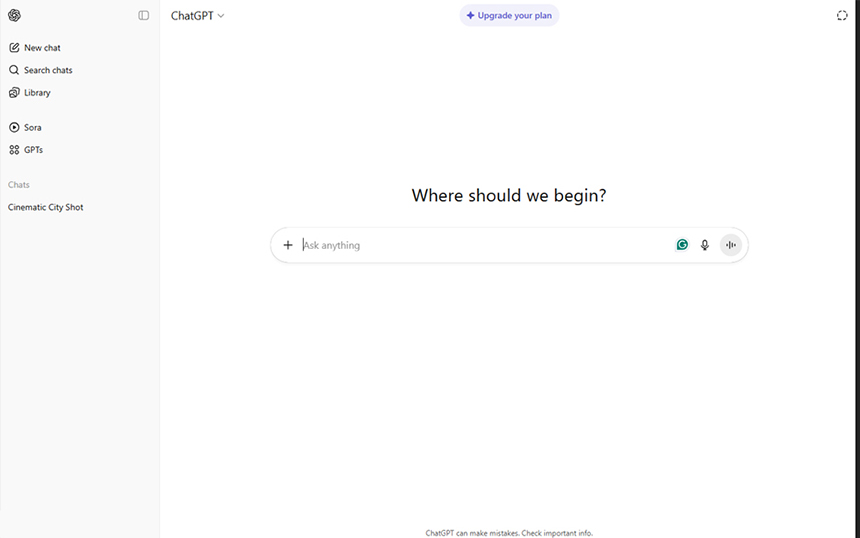
Image Credit: ChatGPT
If Gemini is useful for research and Google Workspace tasks, ChatGPT works well for more open-ended thinking and problem-solving. OpenAI’s ChatGPT is a conversational AI assistant that lets you ask questions, request revisions, and build on previous prompts without restarting your work from scratch.
The platform’s capabilities are flexible for many, from marketing students brainstorming a product idea to a developer who needs help with coding.
Pro Tip: Beyond writing and brainstorming, ChatGPT’s Voice Mode feature can also help you practice communication skills. If it’s available on your plan, app version, and region, try starting a voice session and prompting it with: “Can you run a mock interview session with me?”
ChatGPT is available for download on macOS, Windows, the App Store, and Google Play. It’s also integrated on Viber and can be downloaded as a Chrome extension.
3. Claude
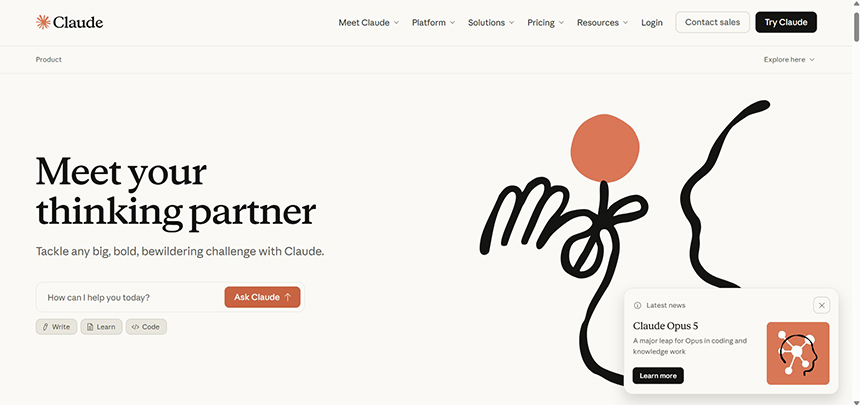
Image Credit: Claude
Claude, built by Anthropic, is the pick for deep work: analyzing long documents, refining essays and reports, and untangling complex topics into plain language.
Upload a dense reading, a lengthy transcript, or a stack of notes, and Claude pulls out what matters or answers specific questions about it in seconds. It keeps a natural, thoughtful tone whether you’re drafting a term paper or a client proposal, and it handles code review too.
If you’re juggling bigger projects, Claude Cowork lets you delegate whole tasks, not just questions. Give it your files and a goal, and it handles the steps in between.
You can download Claude on macOS, Windows, Linux, the App Store, and Google Play.
4. Grammarly
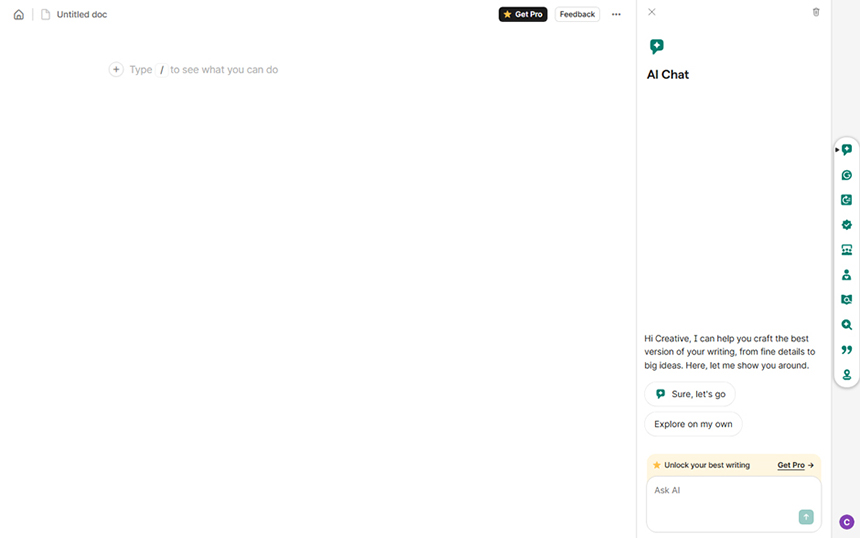
Image Credit: Grammarly
Once you have your initial draft, Grammarly can help you refine it before sending, posting, or submitting. Its free version easily handles daily writing essentials by checking grammar, spelling, punctuation, and basic tone.
If you need advanced support, you can unlock premium features like full-sentence rewrites, tone adjustments, and a built-in plagiarism checker with paid plans.
If you’re a professional writer or a student working on papers, Grammarly is a useful final review tool. It can help improve readability when you’re drafting an email, polishing an article, or preparing a formal document, so your writing feels clearer and more professional.
You can download Grammarly on macOS, Windows, the App Store (AI Keyboard & Notes; AI Writing App), and Google Play.
Pro Tip: Use Grammarly to specify what you want the text to sound like, whether you want it to “be persuasive,” “sound confident,” or “feel more friendly.” This can help the tool give more targeted tone suggestions.
5. Otter.ai
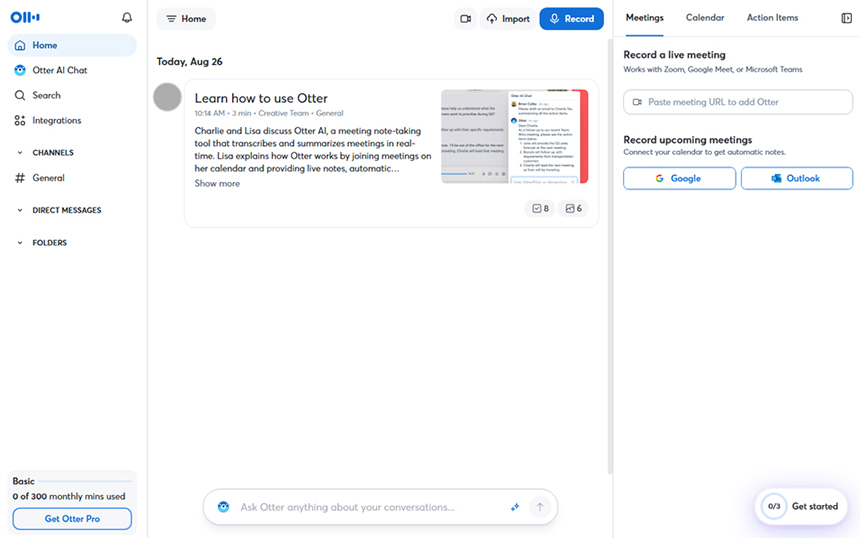
Image Credit: Otter.ai
Taking notes while actively participating in a meeting or lecture can be challenging. Otter.ai solves this by recording, transcribing, and summarizing discussions in real time.
In an online meeting, a client call, or a lecture, Otter.ai captures the key points for you. You get to stay present and still walk away with notes to review.
Otter.ai is available for download on macOS, Windows, the App Store, and Google Play.
6. Midjourney

Image Credit: Midjourney
If your work involves visuals, Midjourney can help turn rough ideas into creative references. It’s a generative AI tool that generates images from text prompts, allowing you to make product mockups, photo concepts, campaign ideas, and different art styles in minutes.
If you’re a graphic artist, photographer, or content creator, Midjourney can help during the early planning stage of a project. From exploring design directions for a campaign to building a photoshoot mood board, it gives you visual inspiration before you move into production.
Midjourney is available for download on the App Store and Google Play.
7. AI Fiesta
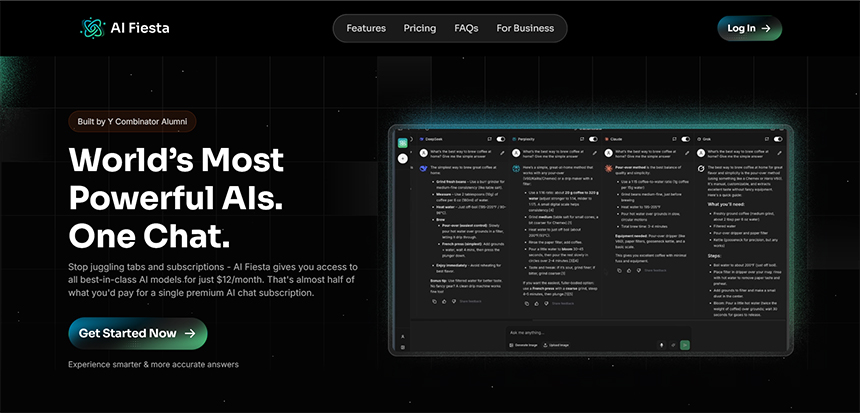
Image Credit: AI Fiesta
Each AI tool has its own strengths, but complex tasks often require switching between multiple platforms. AI Fiesta solves this by bringing premium AI tools together into a single interface.
With AI Fiesta, you can generate concepts, refine copy, and summarize notes from a single prompt, allowing you to easily compare responses and manage your entire workflow in one place.
This centralized setup keeps your files, prompts, and conversations organized, offering a practical diskarte to save time, avoid repeated starts, and finish your work with less hassle.
AI Fiesta is available for download on the App Store and Google Play (via the GlobeOne app).
Pro Tip: Skip the hassle of downloading multiple apps by switching to AI Fiesta, a budget-friendly platform available through the GlobeOne app that unifies the capabilities of the world’s top premium AI models in a single chat.
Making the Most of AI for Everyday Productivity
AI works best when it supports what you already bring to the table, especially when paired with the responsible digital habits championed by Globe’s Digital Thumbprint Program (DTP). It helps you move faster and stay organized, but your judgment and creativity still shape the final output.
Because most AI tools rely on cloud-based processing, a fast and reliable internet connection is key. GFiber plans power heavy workloads at home, while GFiber Prepaid brings the same reliability minus the commitment of lock-up periods.
Meanwhile, a flexible prepaid data promo or a postpaid plan with the convenience of a structured monthly bill can keep you connected on the go.
With the right habits, tools, and connection, you can use AI not just to get things done, but to work with total confidence.