Body Text
Built for Every Story Worth Saving


Why Globe Cloud?

Never Lose a Memory, Anywhere
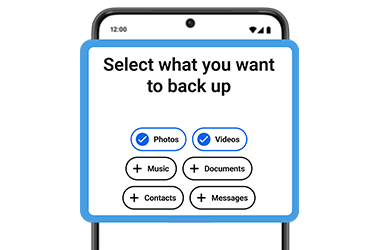
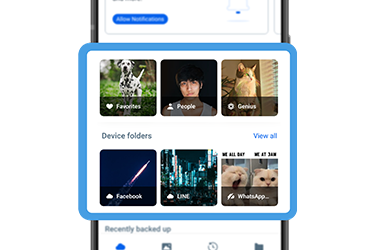
Memories are automatically backed up and protected, with access across Android and iOS devices whenever you need them.

Affordable Storage as You Need It
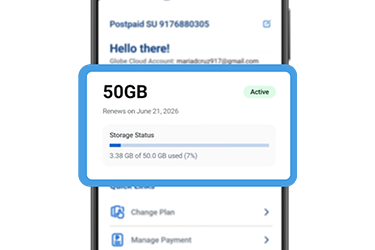
Flexible and accessible storage plans start at ₱5/month for 50 GB for the first 3 months then ₱39 standard price will apply after.

More Room to Be Creative
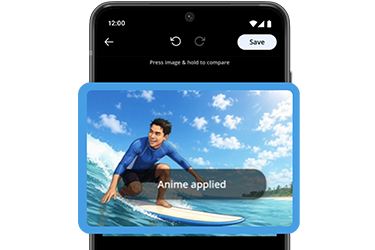
You can enhance, retouch, and transform your photos effortlessly with AI-powered editing tools.
What You Can Do with Globe Cloud
Globe Cloud Plans
Get Started in 5 Easy Steps
STEP 1: Download GlobeOne, tap the “Globe Cloud” banner on the homepage or tap “View All,” scroll down and tap “Explore More of Globe,” then select “Globe Cloud.”
STEP 2: Choose your preferred storage plan and create your Globe Cloud account.
STEP 3: Select the Globe account you want to link to Globe Cloud, tap “Link Account,” then proceed to checkout and complete your payment.
STEP 4: Once payment is confirmed, tap “Activate Account” and set your password.
STEP 5: Download the Globe Cloud app, sign in, accept the Terms and Conditions, and allow access to the files you want to back up.
Frequently Asked Questions on Globe Cloud
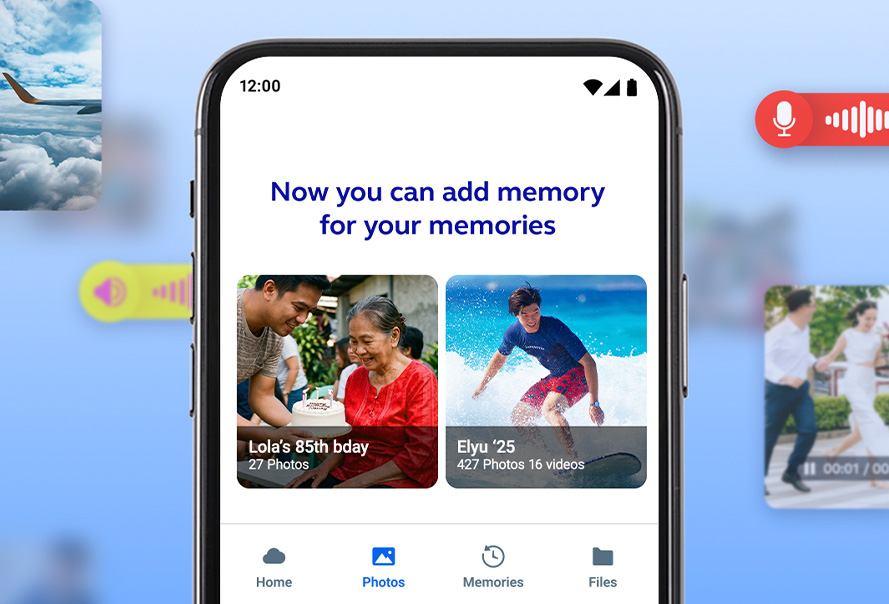
Globe Cloud is your personal cloud storage for keeping photos, videos, and important files safe, organized, and accessible across devices.
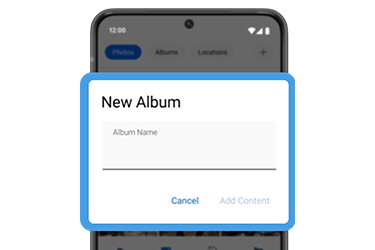
You can store and manage personal content, and use tools designed to help you enjoy, organize, and protect your files.
Globe Cloud is available on Android, web browsers, and a desktop app but coming soon on iOS.