Body Text





For now, this service will only be available for select Android and HarmonyOS devices. (iOS coming soon)

Register to a Globe Starlink promo. Your signal will automatically switch to G Starlink when there's no mobile signal.

Turn on Data Roaming and use Globe Starlink in an outdoor area where you can see the sky.
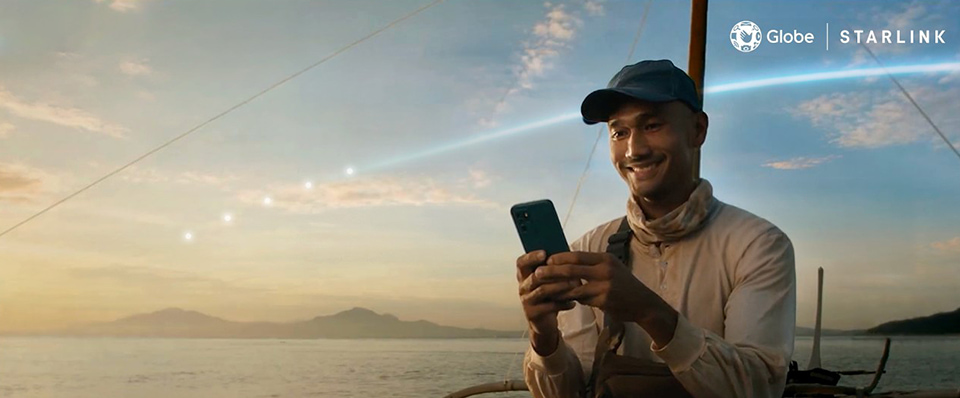

News Article
Globe partners with leading device makers and apps to optimize Starlink satellite-to-mobile connectivity across remote areas in the Philippines.
News Article
Globe partners with Starlink to launch the first satellite-to-mobile service in the PH, delivering SMS and data to remote and disaster-hit areas.
Featured Article
From its early days to its current digital forefront, explore how Globe Telecom continues to empower Filipinos through groundbreaking innovations.
Featured Article
Featured Article
Struggling with mobile network problems? Fix slow data, dropped calls, and other connectivity issues with this guide.
Globe Starlink lets your compatible 4G LTE or 5G Android phone connect to satellites when regular cell towers are out of reach. With an active Globe SIM, you can send texts and access light data for services like messaging and maps—even in areas with no mobile signal. No extra device or hardware is needed. The service works outdoors in places without cellular coverage, wherever you can see the sky. Torrents, video streaming, heavy downloads, and online games are not supported.
When regular mobile signal is unavailable, turn on Data Roaming to enable your 4G LTE or 5G Android phone to connect to Starlink satellites in space. This will allow you to send messages and stay in touch even without nearby cell towers. Once your regular signal returns, your phone automatically switches back to the mobile network. This feature works on supported devices when used outdoors, anywhere you can see the sky.
Globe Starlink is available in areas where regular mobile signal does not reach, such as mountains, open waters, and other off-grid locations across the Philippines. Coverage may vary depending on satellite position and surrounding conditions. For best results, use the service outdoors, anywhere you can see the sky, and avoid areas with tall buildings or dense tree cover.