In this article:
- Netflix Account Sharing Explained: How It Works and What You Can Do
- How to Get an Extra Member Slot on Netflix
- Setting Up an Extra Member on Netflix
- Netflix Household Sharing vs Extra Member: Key Differences
- Benefits of Having Your Own Netflix Account
- Tips for Making the Most of Your Netflix Account
- Stress-Free Netflix Streaming to Keep the Fun Going
Netflix's account sharing rules may have changed, but keeping up with your favorite shows or finding new faves is still within reach. Understanding the latest updates can help you get the most out of your subscription without the guesswork.
In this guide, we'll explain how Netflix account sharing works, what your options are, and tips for making the most of your Netflix subscription.
Netflix Account Sharing Explained: How It Works and What You Can Do
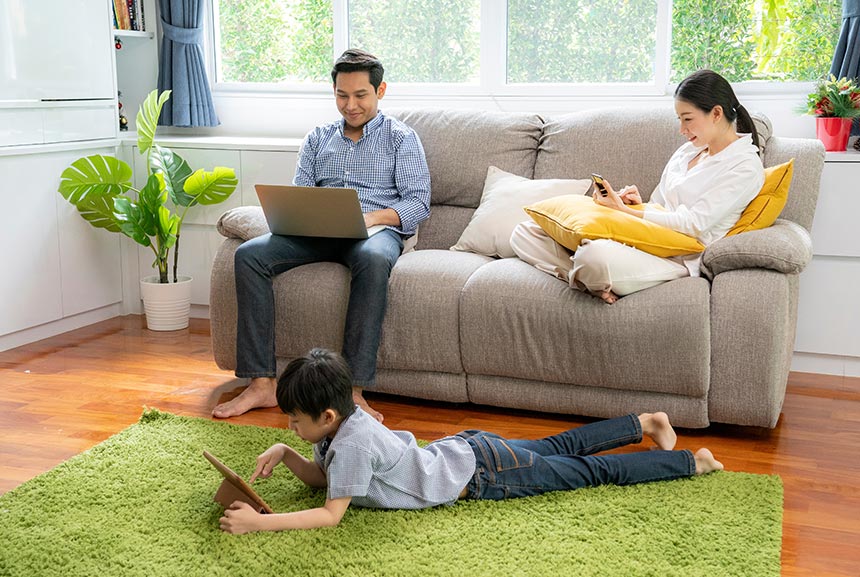
Netflix’s updated rules mean accounts are now meant to be shared only within a single household. If you’re wondering how this affects your budget or your travel plans, here’s what you need to know.
The Netflix “Household” Definition
Netflix defines a household as a collection of devices connected to the internet at your primary viewing location. If you live under the same roof, you can share a single account without paying extra.
Up to four devices can stream simultaneously (depending on your plan), and everyone maintains their own profile, watch history, and personalized recommendations.
How Account Location is Verified
Netflix detects your primary household using signals like IP addresses, device IDs, and account activity. If a device logs in from outside your primary network, Netflix doesn’t automatically block it, but it may require a temporary verification code to ensure the account hasn’t been compromised by unauthorized users.
Streaming While Traveling
With Netflix, viewing flexibility and access to entertainment on the go are possible. Portable devices like mobile phones, tablets, and laptops will continue to work seamlessly outside the home. If you’re traveling, you can also log into a hotel or vacation rental TV temporarily.
For those with a second home or a regular travel destination, connecting your devices to your primary home Wi-Fi at least once a month keeps them registered to your household on your shared Netflix account.
Adding Members Outside Your Household
For years, Netflix encouraged password sharing, even saying, “Love is sharing a password” on Twitter, but recent updates now limit sharing outside one household.
To share your account with friends or family living elsewhere, you have two official options.
- Extra Member Slots: You can buy “Extra Member” slots for an additional monthly fee. The Standard Plan allows for one extra member, while the Premium Plan allows up to two. In the Philippines, each slot costs ₱169/month.
- Profile Transfer: If someone wants to start their own separate subscription, they can use the Profile Transfer tool to migrate their watch history, saved titles, and settings to a brand-new account, so they don’t lose their recommendations.
- Extra Member Slots: You can buy “Extra Member” slots for an additional monthly fee. The Standard Plan allows for one extra member, while the Premium Plan allows up to two. In the Philippines, each slot costs ₱169/month.
How to Get an Extra Member Slot on Netflix
Adding an extra member to your Netflix account is quick and hassle-free, and you can complete it either through a web browser or directly on your TV. Just keep in mind that the number of available slots depends on your subscription plan.
- Visit netflix.com/account and sign in.
- Choose your profile, then head to the Account section. Look for the “Buy an extra member slot” option and click it. This is where you’ll see the pricing details, allowing you to add an extra member and give them access to Netflix for ₱169 per month.
- Click “Next” to continue with your purchase.
- Review the updated payment details and billing date. You’ll only be charged once you confirm the transaction.
- Select “Buy Now” to complete the process and add the extra member to your account.
Setting Up an Extra Member on Netflix
Once you’ve secured an extra member slot, it’s time to bring the new viewer on board to your Netflix account. Follow these instructions to get everything set up smoothly.
- Go to “Manage extra members” to begin.
- Once you see “Extra member added!,” click Next.
- Enter the member’s name and email address for the invite.
- Choose to transfer an existing profile (keeps history and settings) or create a new one.
- Click “Send Invitation”.
- Wait for the member to accept and activate via email.
- Make sure the extra member is in the same country as the account owner. For example, if your Netflix account is registered in the Philippines, the added member should also be based in the Philippines.
Netflix Household Sharing vs Extra Member: Key Differences
Netflix Household is a free option that lets people living in the same home share one account, making it ideal for families or roommates. Netflix Extra Member, on the other hand, is a paid feature that lets you share your account with people outside your home (within the same country) by adding and paying for additional slots.
Feature | Netflix Household | Extra Member |
| Cost | Included in all plans at no extra cost | Monthly add-on fee |
| Profile Transfer | Not applicable | Option to move an existing profile |
| Usage | Sharing with people living in the same home | Sharing with people outside your home |
| Activation | No need for separate activation | Involves sending an invite and completing activation |
| Country Restriction | Works without restriction on the account owner’s household or home location, regardless of country | Must be in the same country as the account owner |
| Billing Cycle | Follows the main account's billing cycle | Follows the main account's billing cycle |
Benefits of Having Your Own Netflix Account
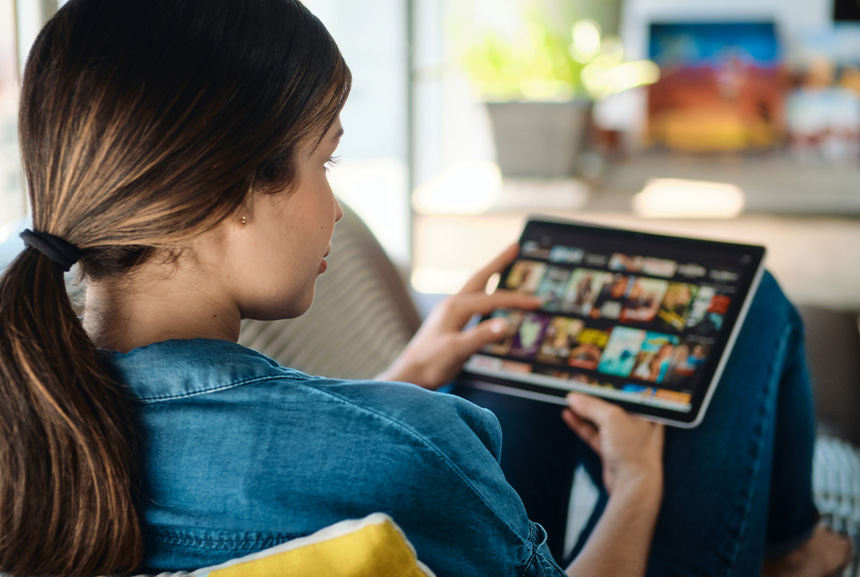
Having your own Netflix account means your viewing experience is fully yours. You get a space that reflects your personal taste in every click, and enjoy entertainment on your own terms. Here are the benefits of a paid Netflix subscription in detail.
Watching a huge variety of content
A Netflix membership lets you explore a vast, constantly evolving library of streaming content. You can switch between blockbuster movies and eye-opening documentaries to addictive anime and binge-worthy TV shows across countless genres.
It also keeps you connected to global hits and critically acclaimed originals like Stranger Things, Bridgerton, Wednesday, and Squid Game, while its personalized recommendations make it easier to discover shows and films that match your taste and mood.
Streaming across different devices
With your own Netflix account, you can switch between devices and keep watching wherever the day takes you. Stream an episode on your smartphone at a café, continue on your tablet at the park, or catch up while waiting for your next ride.
For flexible, pay-as-you-go viewing, Globe Prepaid lets you load only when you need data and choose a promo based on your budget. With Go+, you can also select GoWATCH as your app freebie to get extra GBs for Netflix and other apps. If streaming outdoors is part of your everyday routine, a Globe Postpaid plan gives you a set data allowance paid through a monthly bill, so you can stay connected without reloading before each watch session.
Enjoying a user-friendly streaming experience
The intuitive layout of both the Netflix app and website makes finding something to watch effortless. With your own account, you gain full control over how you stream through convenient streaming features.
- Stay updated with the latest releases through the “New & Popular” section.
- Set alerts for your most anticipated titles.
- Filter and browse shows by language, genre, or category.
- Save TV series and movies to your watchlist by tapping the plus (+) icon on their title card, then access everything in one curated section.
- Receive personalized recommendations.
Accessing and playing original mobile games with your subscription
Get extra entertainment value beyond streaming with no hidden charges and zero ads interrupting the fun when you subscribe to Netflix.
More than just films and series, you can also access a growing library of over 120 mobile games, which you can download and play for free on supported Android and iOS devices.
Titles include a digital adaptation of the popular card game Exploding Kittens, party staple Heads Up, and even games inspired by Netflix originals such as Squid Game, Stranger Things, and Emily in Paris.
Tips for Making the Most of Your Netflix Account
Streaming is great, but curating a personalized home theater experience is even better. You can easily upgrade your viewing routine with a few quick adjustments.
Choose a plan that matches your lifestyle.
Every option includes unlimited, ad-free streaming and access to Netflix Games. Compare the monthly costs and screen limits below to see which subscription plan fits your setup.
Plan
Monthly Price
Included Features
Best For
Mobile
₱169
Smartphone or tablet viewing only, 1 screen at a time Solo users on a tight budget Basic
₱279
Simple HD viewing, 1 screen at a time Individuals watching alone Standard
₱499
Full HD quality, 2 simultaneous streams, option to add 1 extra member outside the household (+₱169/month) Couples or small households Premium
₱619
4K + HDR quality, 4 simultaneous streams, option to add up to 2 extra members outside the household (+₱169/month per slot) Families or shared households
Give every viewer their own universe.
Profiles don’t just keep things in order; they shape your entire viewing experience. Set up individual profiles for each household member (up to five per account), so recommendations don’t turn into a chaotic mix of cartoons, period pieces, and reality TV. Use the “like,” “love,” and “dislike” features to curate better options.
Tidy up your “Continue Watching” row.
It’s time to let go of those half-finished series you abandoned three months ago. Removing titles you’re no longer watching keeps your homepage sharp, relevant, and way less cluttered.
Upgrade your viewing quality.
A great show deserves a great picture. Make sure HD or higher streaming quality is enabled in your account settings.
Stress-Free Netflix Streaming to Keep the Fun Going
Whether you’re sharing an account at home, adding an extra member, or managing your own subscription, the right setup makes it easier to enjoy Netflix on your terms. With your profiles, devices, and access properly arranged, you can spend less time sorting out account details and more time watching what you love.
A dependable home connection can make every watch session easier. GFiber Prepaid lets you top up with a promo whenever you need internet, making it a flexible choice if your streaming schedule changes from week to week. GFiber Postpaid, meanwhile, suits households that stream regularly, with a fixed plan paid through a monthly bill.
Embrace your next binge-watch session with zero distractions, full immersion, and nonstop enjoyment!