In this article:
Tired of juggling multiple apps and accounts just to shop online or order food? Learn how to use GLife in GCash and find everything you need in one place! Shop from top brands, order food, and manage your everyday needs—all without leaving your e-wallet.
What’s GLife in GCash?
GLife is a powerful feature within GCash that brings together a wide array of merchants and services. Think of it as a curated marketplace featuring mini-apps for your favorite brands.
With hundreds of partner merchants (and growing!), GLife offers a one-stop shop for everything from groceries and food to fashion, beauty, electronics, and more. This integration means faster transactions, exclusive deals, and a streamlined experience, all while enjoying the security and convenience of GCash.
Key Features and Benefits
Beyond the convenience of having everything in GCash, learning how to use GLife unlocks several key advantages.
- Exclusive Promos: GLife offers discounts, cashback, and special bundles you won’t find elsewhere. Keep an eye on the GLife homepage and individual merchant pages for the latest offers.
- Saving Phone Storage: No need to download and manage separate apps for each merchant. GLife's mini-apps keep your phone clutter-free.
- Seamless Transactions: Payments are processed directly through GCash, making transactions quick and secure.
- Wide Variety of Merchants: GLife caters to all your needs, offering everything from food delivery and groceries to in-game top-ups, beauty salon services, finance management, and even real estate services.
- Earning Go Rewards Points: Some merchants offer the possibility to earn Go Rewards points on your GLife purchases, redeemable for discounts and other benefits.
How to Use GLife: A Step-by-Step Guide
Ready to enhance your online experience? Here's how to use GLife in GCash for almost anything you need.
Step 1: Access GLife in GCash.

Wondering where to find GLife in GCash? It's easy! Open your GCash app and locate the GLife icon on the main dashboard. If you don't see the icon immediately, tap "View All" for a complete list of GCash features. Ensure you have the latest version of the GCash app installed for optimal performance.
Step 2: Explore partner merchants.

Once you're in GLife, you'll see a categorized list of partner merchants. Browse by category (Food, Grocery, Electronics, Lifestyle, etc.) or use the search bar to find a specific brand.
Step 3: Select your items.

Select your desired merchant. This will open a page similar to the merchant's app. Choose food, products, or services and select "Add to Cart."
Here’s a preview of GLife’s many merchants.
Shop
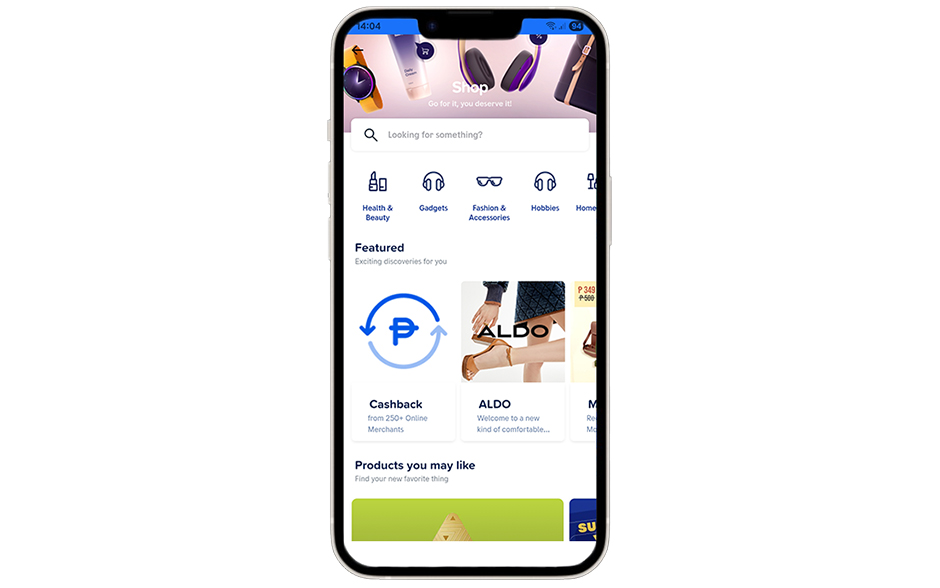
Looking for great deals on gadgets, fashion, and lifestyle essentials? These brands have you covered.
- GOMO
- Unilab
- DataBlitz
- Sunnies Studio
- 5D Healing Crystals
- A+ Rewards
- A+ Rewards Merchant Promo
- Affordahome Furniture
- Akari Store
- AKAW Surf Co.
Food

Craving something delicious? These GLife partners bring your favorite food and drinks straight to your doorstep.
- Auntie Anne’s
- Bo's Coffee
- Chatime
- Dakasi
- Dencio’s
- Greenwich
- Gong Cha
- Island Tea
- Kenny Rogers Roasters
- KFC
- Krispy Kreme
- Macao Imperial Tea
- Mama Lou’s
- McDonald's
- MoonLeaf
- Nestle DigiTindahan
- PICKUP COFFEE
- RACKS
- Starbucks eGift on GLife
- Wildflour Bakery + Café Corp
- Tenya Philippines
- Teriyaki Boy
Play

Enjoy a variety of entertainment apps for hours of fun at your fingertips!
- mgames
- Sharetreats
- Watch Pay
Watch and Experience
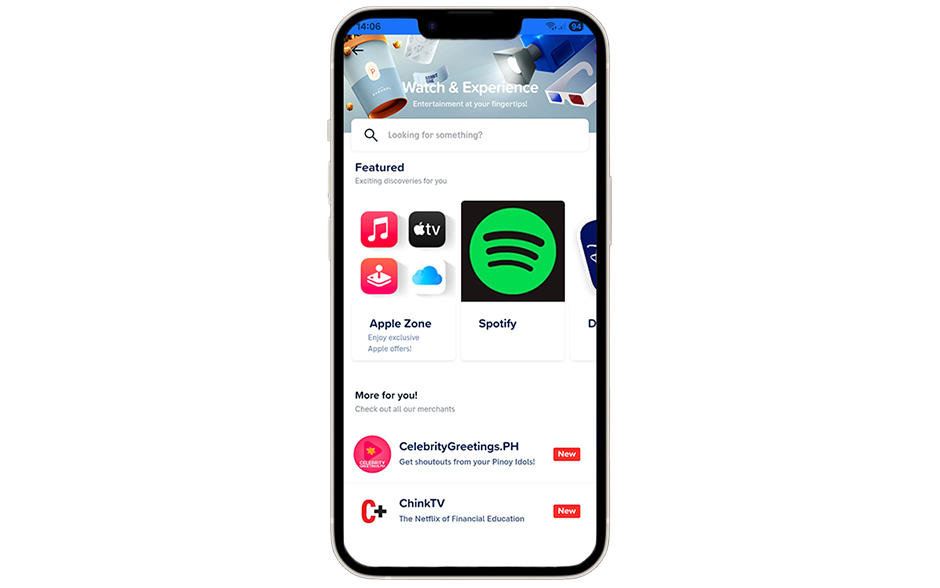
Stream your favorite movies and music with these entertainment platforms.
- Apple Zone
- Spotify
- Disney+
- Google Play Zone
- Netflix
- Amazon Prime
- Celebrity Greetings.PH
- ChinkTV
- Pie
- Dashflix
Wellness

Pamper yourself with beauty and wellness services from these top salons and spas.
- Azta Urban Salon
- Benibana Beauty Hub
- Browhaus
- Uncommon Barbersalon
- Drip Options Wellness & Beauty
- Kazie Professional Salon
- Elle The Signature Salon
- Ecru Nail Spa
- Strip
- Buffed Nail Lounge
Manage Finances
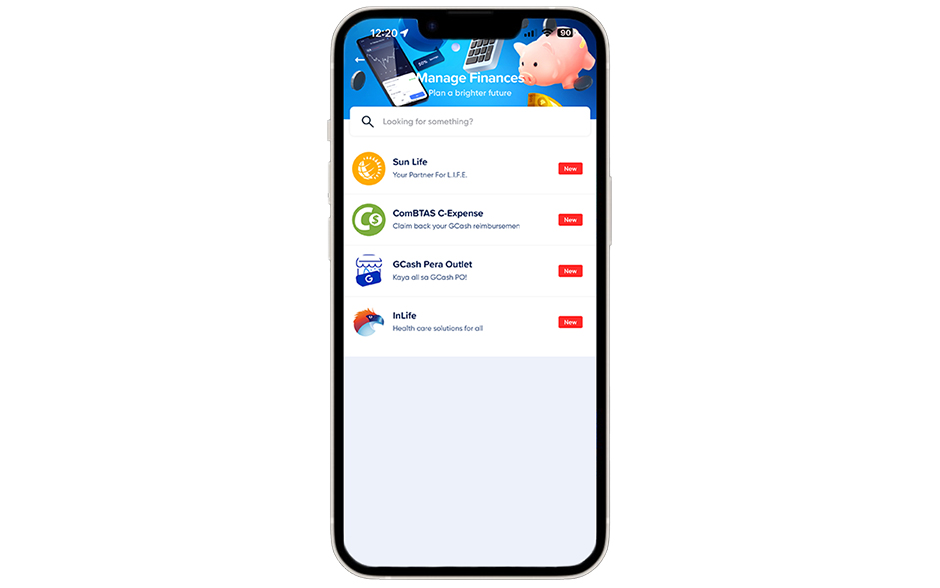
Stay on top of your finances with these trusted financial services.
- Sun Life
- ComBTAS C-Expense
- GCash Pera Outlet
- InLife
Real Estate
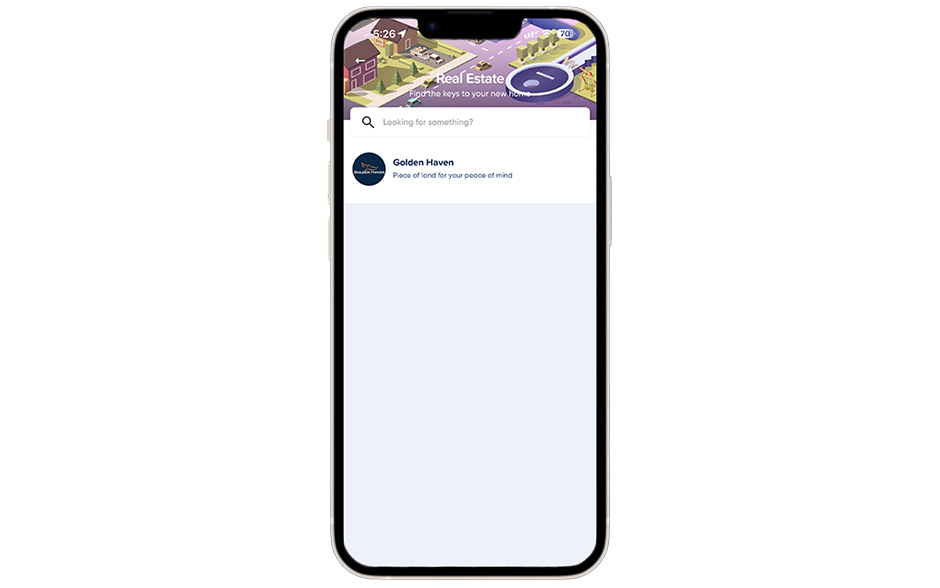
Looking for property investment options? Golden Haven can help. Expect more partners to come!
Learn
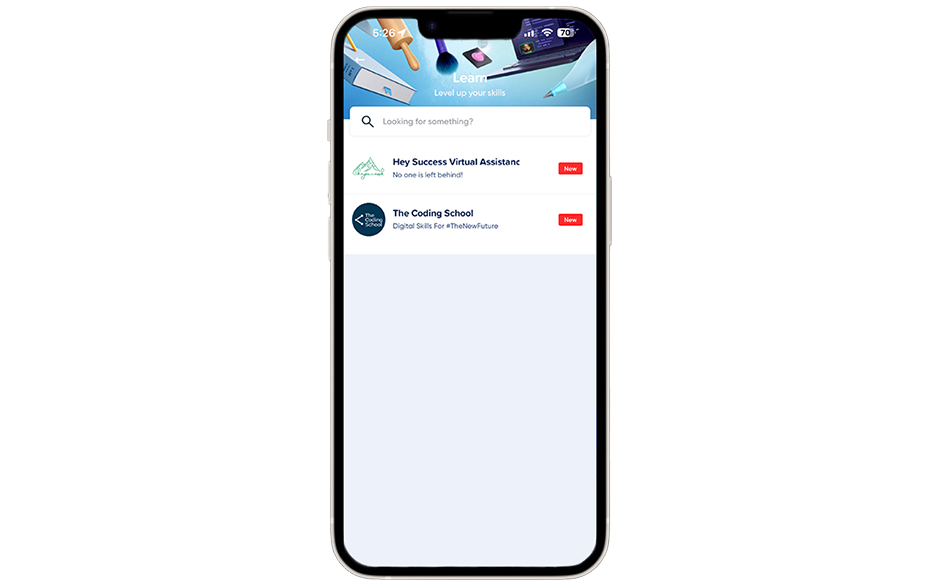
Invest in yourself and boost your skills with these learning platforms.
- Hey Success Virtual Assistance
- The Coding School
Travel

Plan your next trip hassle-free with these travel services.
- A+ Store
- Alipay+ Travel
- Alipay+ UEFA EURO 2024 Zone
- Arbitrip
- Beep
- Fliggy Flights & Travel
- Klook
- Passion Made Possible Privileges
- TripEx Booking Tool
Earn Money
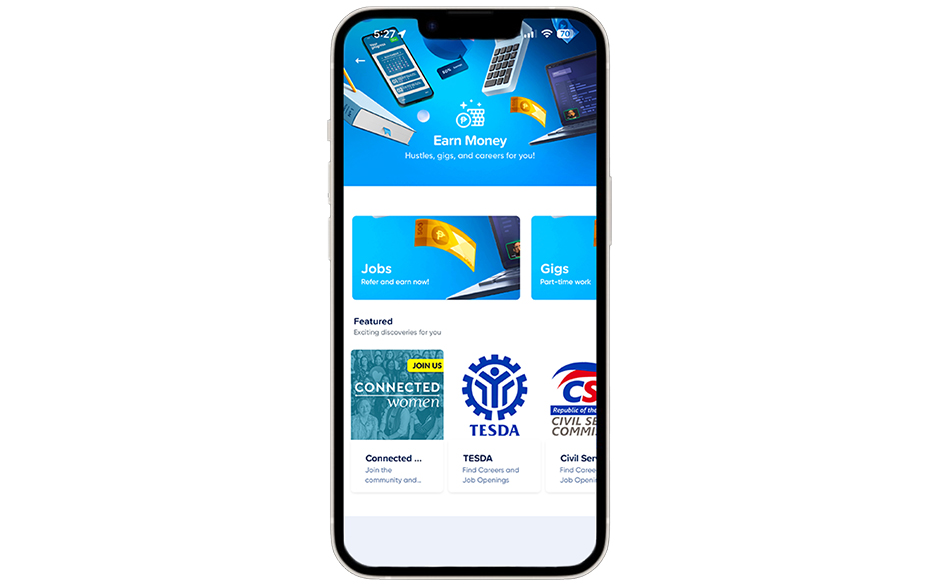
Explore job opportunities and income-generating platforms.
- Connected Women
- TESDA
- Civil Service Commission
- Phil Job Net
- Online Jobs
Pinoy Channel
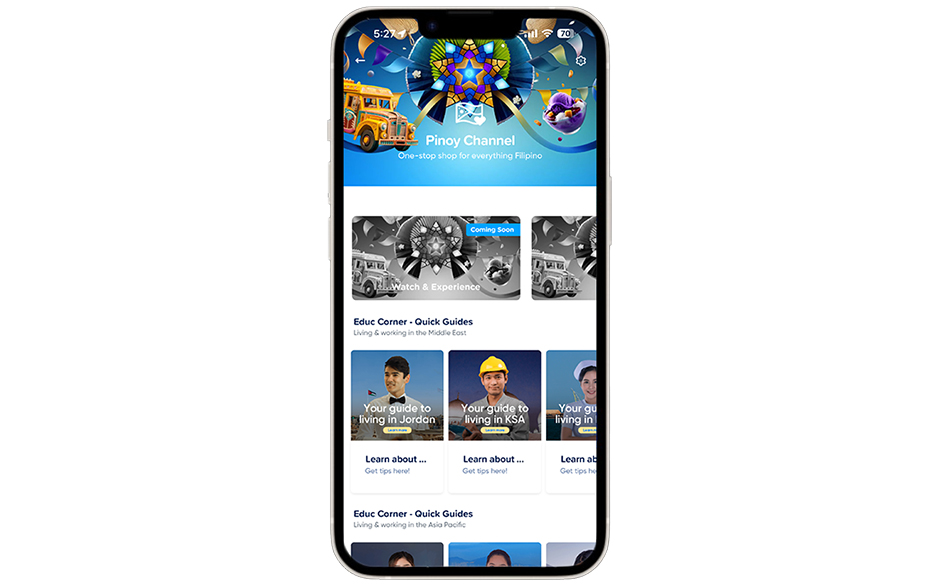
Browse through guides for Filipinos living abroad, covering essential information.
- Your guide to living in Jordan
- Your guide to living in KSA
- Your guide to living in Kuwait
- Your guide to living in Oman
- Your guide to living in Qatar
- Your guide to living in UAE
- Your guide to living in Brunei
- Your guide to living in Hong Kong
- Your guide to living in Japan
- Your guide to living in Macau
- Your guide to living in Malaysia
- Your guide to living in Singapore
- Your guide to living in South Korea
- Your guide to living in Taiwan
Step 4: Make Your GLife Payment
- Select GCash as your payment option. (This should be the default when using GLife.)
- Double-check your items and the total amount.
- Enter your GCash MPIN.
- You’ll receive a one-time password (OTP) via SMS. Enter this OTP in the provided field.
- Confirm the payment. You'll receive an SMS confirmation message once the transaction is successful.
Frequently Asked Questions (FAQ)
Q: How do I use a voucher in GLife?
A: GLife frequently offers vouchers for discounts and special promotions. Here's how to use a GLife voucher.
- Look for available vouchers on the GLife homepage or on specific merchant pages.
- Copy the code (if applicable).
- Shop on GLife. Add items to your cart from the merchant associated with the voucher.
- Apply the voucher at checkout. Look for a field labeled "Voucher Code," "Promo Code," "Discount Code," or similar. Paste or enter your voucher code there.
- Before confirming your payment, make sure the discount has been applied to your total. Check the voucher for any terms.
Note: Vouchers often have terms and conditions, such as expiration dates, minimum spend requirements, and eligible merchants. Be sure to read the details of each voucher.
Q: Are all merchants available on GLife?
A: While GLife has a large and growing number of partner merchants (over 500!), not every business is available. New merchants are added regularly, so keep checking back! You can browse the available merchants within the GLife section of the app.
Q: Is it safe to use GLife?
A: Yes, GLife is secure. Since it's integrated directly within the GCash app, it benefits from GCash's robust security measures. Your MPIN and OTP protect your transactions, and GCash employs industry-standard encryption to keep your data safe.
Shop, Order, and Save Time with GLife
By providing access to hundreds of merchants and integrating seamlessly with GCash's secure payment system, GLife streamlines your transactions. You can order food, restock your groceries, or treat yourself to something special.
Now that you know how to use GLife in GCash, start exploring and enjoy the ease of shopping and ordering—all in one place.