In this article:
- How to Access Globe 5G
- How to Get More from Your 5G Experience
- Getting Started with the Future of Connectivity
Whether you're streaming your favorite shows, playing online games, uploading content, or joining video calls, Globe 5G helps you enjoy faster and smoother mobile connectivity.
As long as you're in a 5G-covered area and using a compatible phone and SIM, you can start enjoying Globe 5G. This guide walks you through everything you need to know, from checking if your device is 5G-ready to making the most of your mobile data.
How to Access Globe 5G
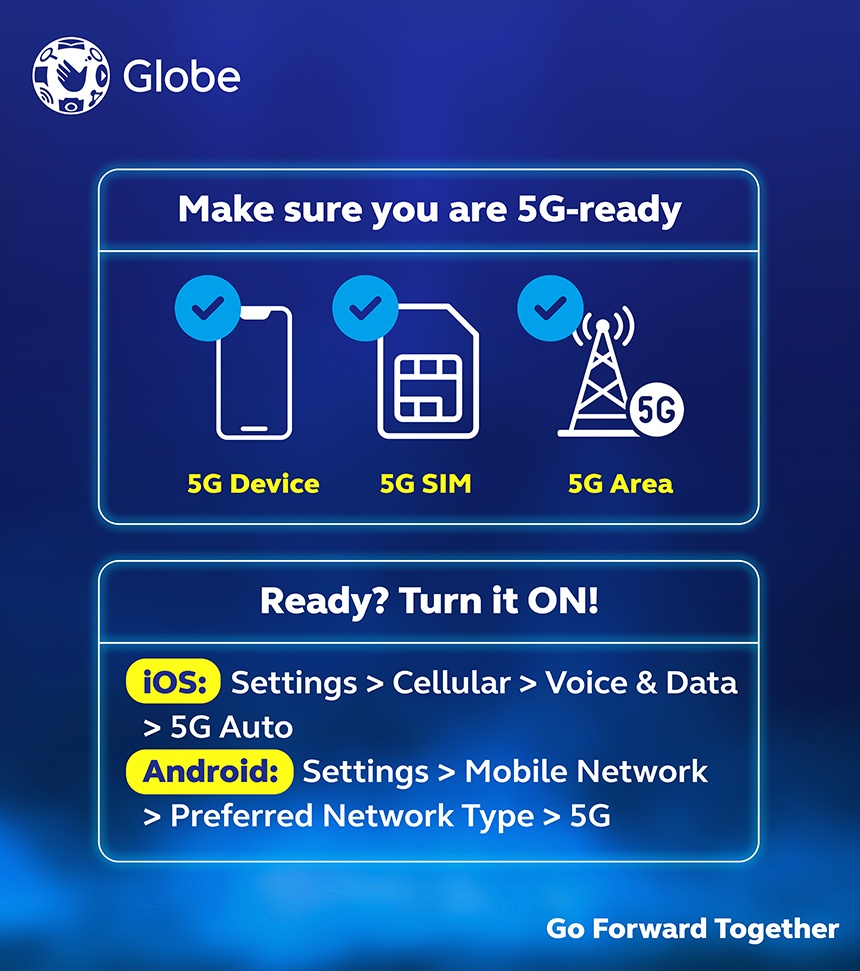
Getting started with 5G is simple. Follow these steps to check if your area, phone, and SIM are 5G-ready before registering to a Globe 5G promo.
1. Check Globe 5G coverage in your area.
Start by checking if Globe 5G is available in your area. As Globe continues to strengthen and expand its 5G network, more areas across Metro Manila, key cities, and other parts of the country are benefiting from ongoing infrastructure upgrades, new sites, and improved connectivity.
Network expansion continues nationwide, so if your spot is not 5G-ready yet, it’s likely on the way.
To check if 5G is available in your current location, look for the 5G indicator on your phone when using a 5G-ready device and SIM.
2. Check if your phone supports 5G.
To access Globe 5G, you'll need a 5G-capable device. Check your phone's specifications or settings to confirm that it supports 5G. You can also explore 5G-ready phones for every budget if you're looking to upgrade.
3. Get your 5G-ready Globe SIM.
A 5G-ready SIM is required to access Globe 5G. Whether you're a new or existing Globe customer, you can check your phone's network settings to see if 5G is available as an option.
For iOS
- Open “Settings.”
- Tap “Cellular.”
- Select “Cellular Data Options.”
- Tap “Voice & Data.”
- Choose either “5G Auto” or “5G On.”
For Android
- Open your phone’s “Settings.”
- Go to “Network & Internet” or “Connections.”
- Select “Mobile Network” or “SIM & Network.”
- If you have more than one SIM, select the active one.
- Tap “Network Mode” to see the list of supported networks.
- If you see “5G/4G/3G/2G,” select it.
If your current SIM isn’t 5G-ready, you can easily upgrade through the GlobeOne app while keeping your current number. The new LTE/5G-ready SIM costs only ₱10 plus a delivery fee and arrives right at your door. This SIM often includes free data perks like 10 GB for 30 days.
If you’re new to Globe, you can grab a prepaid 5G SIM at any Globe store, authorized retailer, Lazada, or Shopee for as low as ₱59. New Globe Prepaid SIMs also come with Unli 5G and 2 GB all-access data as a welcome freebie.
You only need to insert the new SIM, power on your phone, and activate it. Send a text, turn on mobile data, check your balance, or follow any auto-prompts. Once done, you should receive an instant confirmation, and your welcome freebie will activate automatically.
It’s important to note that under the Philippine SIM Registration Act, every SIM must be registered before you can use it. When you buy or receive your SIM, register it right away through the GlobeOne app, Globe SIM registration website, or text prompts. To do this, you need to have a valid government-issued ID ready for quick verification.
4. Register for a Globe 5G promo.
Now that you're 5G-ready, you can register to a Globe 5G promo to start enjoying fast speeds for streaming, gaming, video calls, browsing, and more.
The easiest way to register is through the GlobeOne app, where you can manage your account and buy the 5G promo that fits your lifestyle.
How to Get More from Your 5G Experience
Getting the most out of Globe 5G takes more than just a compatible phone. A few simple habits can boost your battery and data life, while understanding the facts helps you stay connected with confidence.
Tips for Managing Your 5G Data
These practical tips can help you manage your data more efficiently, keep your device running smoothly, and enjoy a more reliable 5G connection.
Tip 1. Manage your 5G data strategically.
Use 5G for bandwidth-intensive tasks like HD streaming, online gaming, and video calls to binge your favorite shows buffer-free. It’s the perfect upgrade for binge-watching your favorite shows on Netflix or Disney+ without the buffer.
For lighter tasks like casual browsing or checking emails, you can let your phone fall back to 4G to conserve data. To stay in control, set up usage alerts on the GlobeOne app and disable background refresh for apps you rarely use.
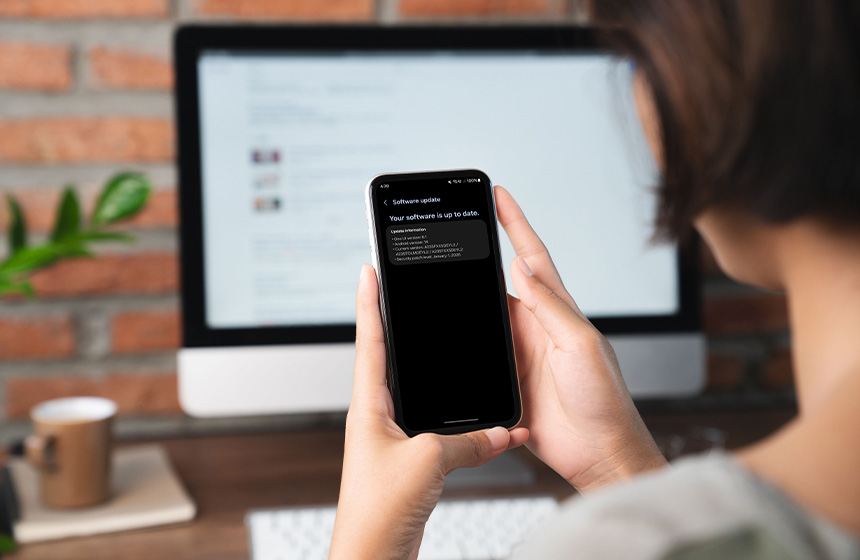
Tip 2. Keep your device software updated.
Fresh updates fix bugs, boost network efficiency, and patch security holes. Turn on automatic updates, so you never miss one.
- Check “Settings” > “System.”
- Tap “System Update.”
- Go to “Settings” > “General.”
- Tap “Software Update.”
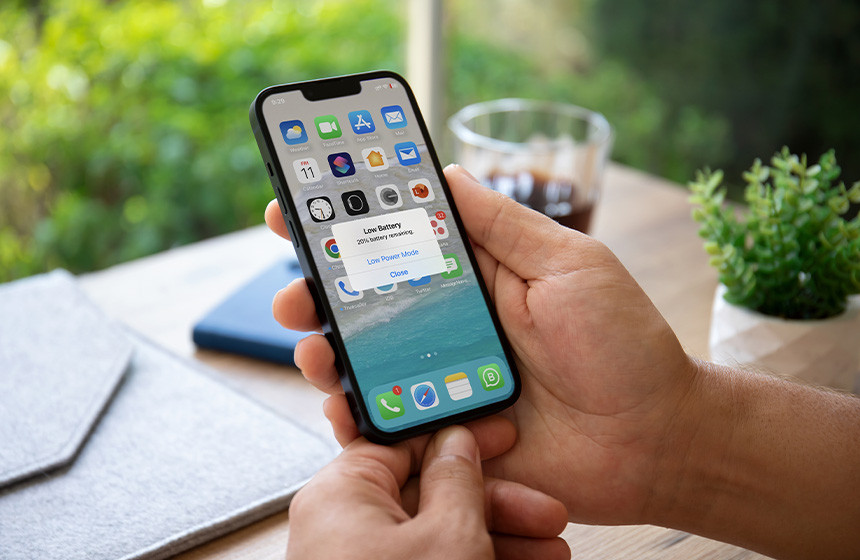
Tip 3. Optimize battery usage while on 5G.
5G can consume more battery in spotty areas as your phone hunts for a signal. Enable “Battery Saver” mode, dim your screen, and close any unused background apps.
Your phone may also switch between 5G and LTE or 4G depending on network availability and signal strength in your area. In weak zones, you can switch to 4G temporarily to help conserve battery and data. If speeds dip, restart your phone or toggle Airplane Mode on and off to reconnect.
Common 5G Misconceptions Explained
Plenty of myths still float around about 5G. Let’s clear them up with the facts.
Myth 1: 5G poses health risks.
Fact: No evidence supports this. The World Health Organization and other major health organizations confirm that 5G is safe for use. 5G radiofrequencies use non-ionizing radiation like radio and TV signals, and stay within established safety guidelines.
Myth 2: 5G coverage is still too limited.
Fact: Globe has thousands of active cell sites, with high percentages in Metro Manila and major cities across the Visayas and Mindanao. Coverage keeps improving nationwide.
Myth 3: 5G alone drains your battery faster.
Fact: Battery life is more tied to your phone model, apps, and habits than to 5G itself. Newer 5G phones strike a good balance between speed and efficiency. In low-signal areas, you can switch to 4G/LTE to conserve battery life. Go to your phone’s mobile network settings, select “Network Mode” or “Voice & Data,” then choose “4G/LTE.”
Myth 4: You need to replace your phone immediately.
Fact: A 5G SIM works in 4G phones (backward compatible), though speeds cap at 4G LTE. Upgrade only when you want faster performance for streaming or gaming.
Myth 5: 5G is only for heavy data users.
Fact: 5G benefits everyone by delivering faster overall performance and smoother daily use. It powers everything from casual browsing to advanced applications in healthcare and safety.
Getting Started with the Future of Connectivity
With these tips and steps, getting started with Globe 5G becomes easier and more straightforward. Simply check your coverage and make sure your device and SIM are 5G-ready. You can then pair your phone with a postpaid plan for reliable monthly connectivity or prepaid promos with flexible data options that fit your budget.
Whether you’re streaming, working remotely, or video chatting, being 5G-ready can help you enjoy faster and more reliable connectivity throughout your day.