In this article:
Your trusty phone is starting to feel a bit slow, or maybe you've just seen the latest model and decided it's time for a change. You start planning your next Globe handset upgrade and come across two Postpaid programs: Globe Trade-In and Gadget Xchange. While they both sound like they involve swapping phones, they’re quite different.
This guide will help you cut through the confusion. Learn what Globe Trade-In does and how Globe Gadget Xchange works to decide which one is right for you and your phone situation. Here’s a detailed breakdown of both programs to help you choose.
Globe Trade-In: Get Value for Your Old Phone

Thinking of trading in your old phone, tablet, or watch? Globe Trade-In lets you easily turn that device into value. How you receive this value depends on your Globe status.
If you're an active Globe Postpaid customer (new, renewing, or keeping your current plan), the value you get is applied as cashback to your monthly bill.
You don't necessarily need to sign up for a new device plan when you trade in. Subscribers can trade in their device at any point within their contract, but the Trade-In value will now only be applied as a credit adjustment to the Postpaid bill.
How Globe Trade-In Works
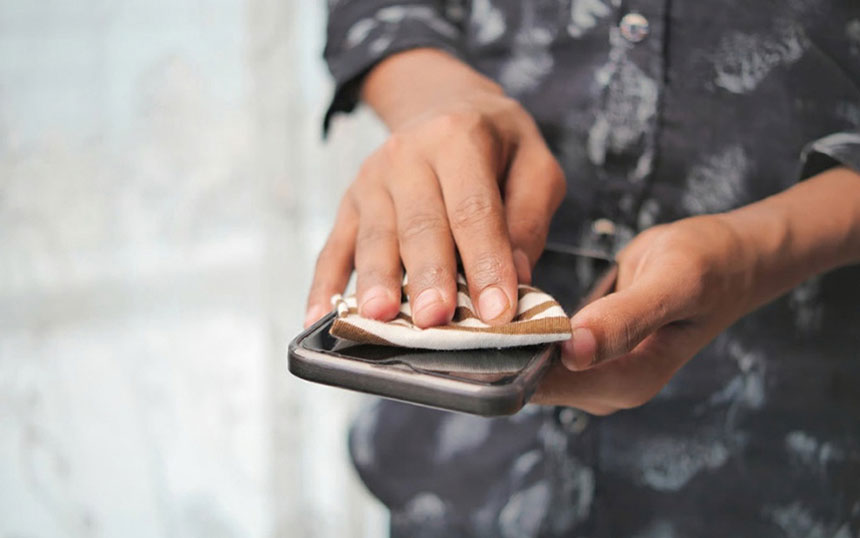
- Start the process. Visit Globe Stores and check if the service is available there.
- Get your device assessed. This step determines the final trade-in value based on your device's specific model, its physical and functional condition, and whether it's free from account locks like Find My iPhone or Google accounts. Remember, devices must power on and function correctly for trade-in.
- Online: Answer questions about your device's model and condition to get an estimated value. If you proceed, you’ll be directed to the nearest Globe Store, where the in-store team will physically inspect your device and provide a final value offer.
- In-Store: A Globe representative checks your device and gives you the final value offer on the spot. Note: Globe won't accept devices with major issues like bloated batteries or those reported lost or stolen.
- Confirm the offer. You decide whether to accept the final trade-in value quoted.
- Hand over your device. If you accept the offer, you’ll need to complete your transaction in-store. For online assessments, subscribers will be directed to the nearest Globe Store to hand over their device to a Globe representative for final inspection and trade-in processing.
Gadget Xchange: Protect Your Current Globe Phone

Gadget Xchange is a device protection program providing a safety net for the new phone you get with your Globe Postpaid or Platinum plan. This is not a trade-in or upgrade service. Instead, you can request a:
- Device Switch: Want a different color or a similar model available in the program? You can request a swap for any reason, subject to device availability and program rules.
- Device Replacement: If your phone is lost, stolen, or accidentally damaged beyond repair, you can get a replacement unit without needing police reports or affidavits. Just note that these replacements are usually refurbished or good-as-new devices, not brand-new, but they do come with a Bolttech warranty.
- Screen Replacement: Request a repair or replacement if your screen gets damaged.
This exclusive add-on service is directly tied to the device you get through Globe with your plan; you can’t subscribe otherwise.
How Gadget XChange Works
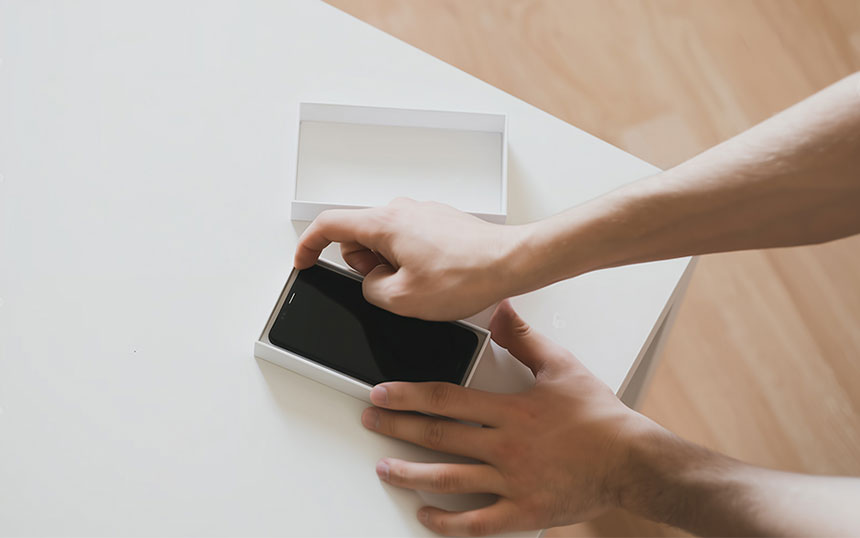
- Subscribe and pay monthly. You can add Gadget Xchange when you sign up for or renew your Globe plan with a device. It’s available not only with GPlan with Device, but also when availing a device with the All-New GPlan Plus. You’ll pay a monthly subscription fee, conveniently charged to your Globe bill. This fee varies depending on your device's price range. As a bonus, your first month is free. This subscription auto-renews monthly, allowing you to stay covered for an extended period, often up to a maximum of 24 months per device.
Important: This add-on is generally available for customers with GPlan 599 up to 2499 or Platinum GPlan 3799 and up, specifically when these plans include a device.
- Make a claim. If you need to use the service (Switch, Replace, or Screen Repair), start by filing a claim.
Important: For Device Switch or Replacement services, you'll need to pay a minimal one-time service fee for each claim. This fee depends on the value of your device and the service requested. Screen repairs often don't have a service fee, but check the terms for your specific device tier.
- Use the online portal (via Bolttech). Globe partners with Bolttech to manage Gadget Xchange claims. Through their online portal, file your request, pay any applicable service fee, and arrange the delivery of a replacement or switched device (or the return of your old one, if applicable).
- Utilize your services. As a subscriber, you typically get a set number of service requests per year. For example, you’ll have up to two Switch or Replacement requests plus one Screen Replacement within any 12-month period.
Summary Table: Key Eligibility Differences
Here's a quick comparison of the main eligibility rules for Trade-In and Gadget Xchange side-by-side.
| Trade-In | Gadget Xchange | |
|---|---|---|
| Purpose |
|
|
| Eligibility |
|
|
| Suitability |
|
|
| Advantages |
|
|
| Considerations |
|
|
Make Your Choice: Trade-In, Gadget Xchange, or Both?
The bottom line? Trade-In gives cash or credit for your old phone, while Gadget Xchange protects your new plan device. The best part? You can even use both when upgrading!
So, ask yourself if you need value, protection, or both. Then, pick your service, check other options, or visit the Globe Online Shop for new Globe gadgets and Globe phone deals.