Body Text
Tuluy-tuloy ang lakas ng bawat pamilya.
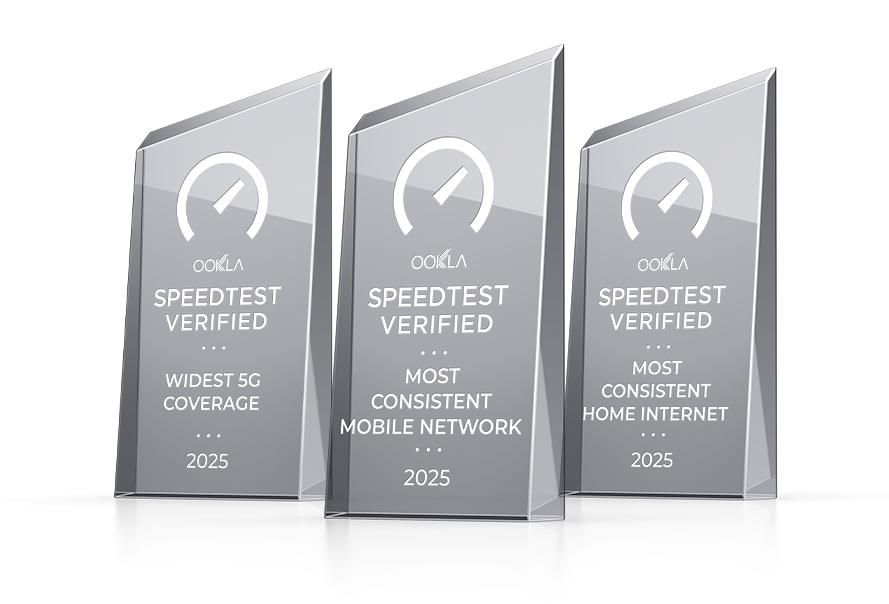
Based on Ookla® Speedtest Intelligence® data on mobile consistency and widest 5G coverage for 2H 2025 and internet consistency in the Philippines for Q4 2025. All rights reserved.
ASC Ref. No. G0027P060926G
The Globe Network
AT HOME
More on the Globe Network
Explore blogs that help you make the most of your Globe network experience, from SIM upgrades to helpful service guides.
description here
Featured Article
Globe Telecom Timeline: Empowering Filipinos, One Innovation at a Time
From its early days to its current digital forefront, explore how Globe Telecom continues to empower Filipinos through groundbreaking innovations.
Featured Article
How to Upgrade Globe SIM to 5G: A Comprehensive Guide
Featured Article
Everything You Need to Know About Mobile Number Portability
Mobile number portability allows you to keep your number when switching providers. With Globe's hassle-free services, you can do this instantly. Learn how here.
Latest Connectivity News
Stay updated with the latest Globe announcements, network developments, and connectivity initiatives.
description here
News Article
Globe Brings Love Overload to Customers with 917 GDay 2026
Globe celebrates 917 GDay 2026 with Love Overload, featuring G Raffle Rush prizes, nationwide events, and year-round personalized offers on GlobeOne.
News Article
Globe Positions Network for Philippines’ Next Phase of Economic Growth
Globe strengthens its network to support the Philippines’ next phase of economic growth, enabling the Filipino community to stay connected and move forward.
Frequently Asked Questions on Globe Network
Signal strength and network experience may be affected by various area-specific or environmental factors such as temporary network congestion, building materials that block signals, mall or building renovations, illegal signal boosters, terrain or landscape, or high population density in certain areas.
Indoor signal issues may occur due to building design and construction materials like thick concrete walls or metal structures that block signals. Property managers of condos and commercial buildings may coordinate with telco providers for indoor solutions.
In the meantime, you may use a broadband connection for data or use VoWiFi (Voice-over-WiFi) for calls and texts on supported devices.
In the meantime, you may use a broadband connection for data or use VoWiFi (Voice-over-WiFi) for calls and texts on supported devices.
You can check by texting SIM CHECK to 8080, or by confirming if your phone shows LTE or 5G in the signal bars and if your SIM card has 128K memory.
You may have already used up your data allocation or your promo may have expired. Check your data balance and promo status through the GlobeOne app, and subscribe to a new data or call/text promo if needed.
If there is no automatic roaming signal, try restarting your phone, scanning for networks and manually selecting Globe’s preferred roaming partner, turning on mobile and roaming data, and setting your APN to internet.globe.com.ph.