In this article:
With almost everything just a few taps away, mobile apps make everyday errands easier. From booking a ride and ordering food to shopping online and managing finances with digital banks, you can get things done right from your phone.
It makes sense, then, that more essential services are finding their way onto our screens. Government transactions are no exception, thanks to the eGovPH Super App, also called the eGov Super App. It’s the Philippines’ official mobile one-stop gateway that brings national and local government services together in a single digital platform.
Developed by the Department of Information and Communications Technology (DICT), it's built to make more government transactions within reach while complying with the Data Privacy Act of 2012 and regulations of the National Privacy Commission (NPC).
Read this guide to learn more about what the app can do, how to register, and how to use it safely.
Why is the eGovPH Super App Important?
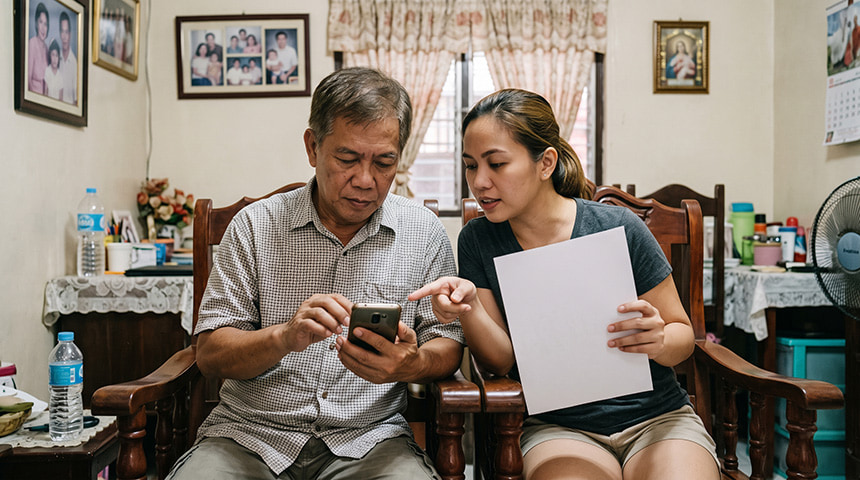
The shift toward digital services through the eGovPH Super App has been making everyday government and public transactions more accessible to citizens. Designed for every Filipino, the app combines simplicity, security, and convenience to help you get things done hassle-free.
The eGovPH Super App matters because it can:
- Minimize in-person queues, long processing times, and the need to visit multiple government offices or websites.
- Allow citizens to manage transactions, track documents, and pay taxes securely from the comfort of their homes.
- Promote transparency through standardized procedures, reduced human intervention, and fewer fixers.
- Bridge the digital divide by bringing valuable public services directly to remote or underprivileged regions without requiring expensive travel.
Key Features of the eGovPH Super App
From students and working professionals to business owners and senior citizens, Filipinos from different walks of life can benefit from the app. Here’s what you can do.
Unified Government Access
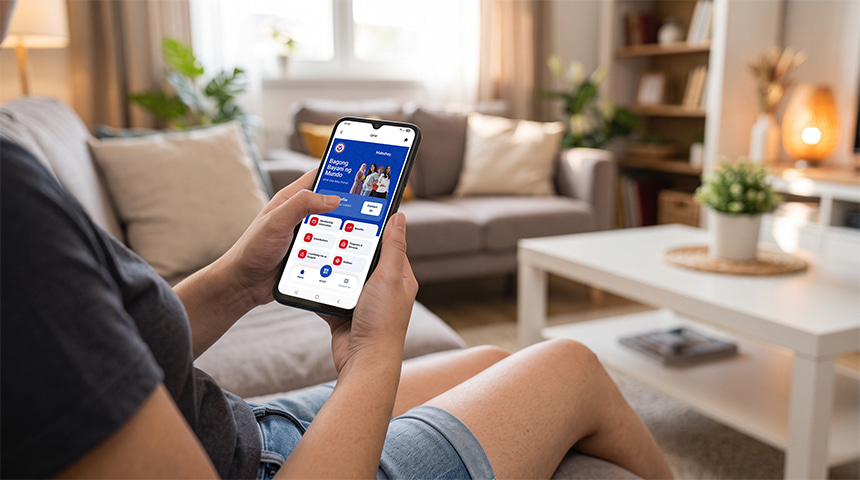
From the moment you open the eGovPH Super App, you can browse its major service categories in a single, intuitive dashboard. It consolidates a wide range of Philippine government and public services, where you can find and use what you need. This helps you access services digitally with fewer forms to fill out and physical trips to make.
Some of the common transactions when using the eGovPH Super App include:
- Digital Government IDs: Access eligible digital IDs such as your ePhilID (National ID), PRC Professional ID, Driver’s License, Senior Citizen ID, Overseas Filipino Worker (OFW) ID, and more.
- Social Services: Check portals and manage your supported records with Social Security System (SSS), Government Insurance Service System (GSIS), PhilHealth, and Pag-IBIG.
- NGAs and LGUs: Connect with participating national government agencies and local government units, including Bureau of Internal Revenue (BIR) tax services, National Bureau of Investigation (NBI) barangay clearances, local business permits, and more.
- eTravel: Generate and complete your electronic travel declaration QR code for international arrivals and departures, so you can skip paper forms at the airport.
- eReports: File incident reports for concerns such as accidents, crimes, fire, scams, and abuse, which are forwarded directly to respective agencies that will handle the case.
- eGovPay:Pay government fees, contributions, taxes, fines, and loans via supported digital payment channels like GCash.
- Bagong Pilipinas eGovPH Serbisyo (BPESH) Hub: Book NBI and Police Clearance appointments, request PSA civil registry documents (birth, marriage, and death certificates), and obtain a paper copy of your National ID.
- Employment and Livelihood: Explore Department of Labor and Employment (DOLE) job listings and apply for government internships and integrated livelihood assistance programs.
- Health Perks: Get health-related services, including VaxCerts and nearby health center information.
- Tourism Insights: In partnership with the Department of Tourism (DOT), you can read helpful information about popular destinations such as Coron and Bohol.
- OFW Affairs: Avail services related to Overseas Workers Welfare Administration (OWWA), the Electronic Overseas Employment Certificate (OEC), and passport renewal for OFWs and seafarers.
- Consultation Services: Submit enquiries to the Anti-Red Tape Authority (ARTA), Department of Foreign Affairs (DFA), Public Attorney’s Office (PAO), and more for free legal counseling.
- SIM Registration: Register your SIM and check its registration status.
Digital ID Integration
The eGovPH Super App enables faster verification and smoother transactions by linking your National identification (ID) card. Instead of manually and repeatedly typing your personal information, you can use your linked ID to instantly verify your identity.
Since these services are accessible through one app, you also save a huge amount of time because there’s no need to switch between separate government websites when completing multiple digital transactions in one place.
Digital ID Wallet
Securely store and view your government IDs, including the Philippine National ID, in one digital wallet. This is especially helpful if you don’t have your physical National ID card yet or don’t have it with you, since you can pull up your digital ID on your phone without carrying it or searching for it.
Secure Login and Verification
Access your government services with added security and privacy through multi-factor authentication and biometric sign-in.
For example, you can use a password and a one-time code, or supported fingerprint and facial recognition features, to confirm your identity. These features better protect your sensitive government information and personal data from unauthorized access, while making sign-ins easier when you don’t want to rely on passwords alone.
Real-Time Application Tracking
Get greater control over your government transactions and monitor their progress from one dashboard at a glance, without visiting different platforms or constantly following up on your applications.
The eGovPH Super App lets you check the status of your supported permits and document requests, so you can see whether they’re still pending, processing, or already approved and know when further action may be needed.
AI-Powered Assistance
Get quick help in understanding government processes when you’re unsure what a form, document, or procedure requires.
Through an intelligent assistant, Kuya A, you can identify images, extract information from documents, translate content, understand forms, or be guided through government services and official procedures, making unfamiliar digital transactions easier to navigate.
How to Register and Verify Your eGovPH Account
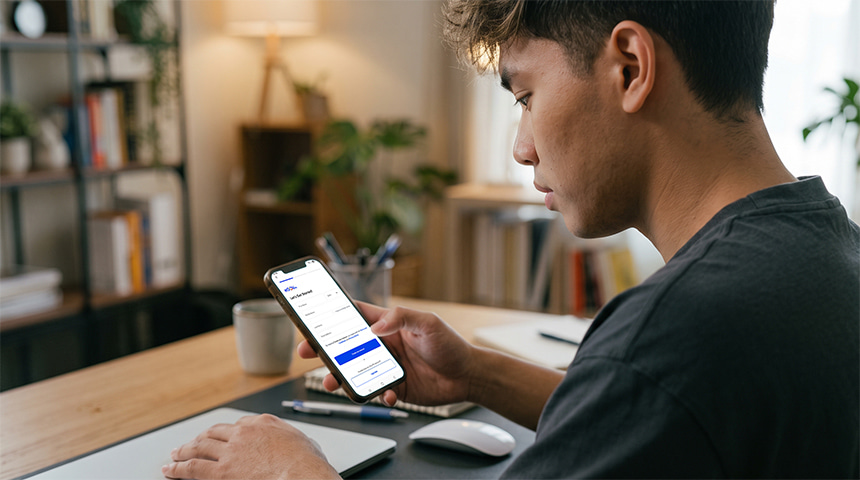
To take full advantage of all the app’s features, you’ll first need to properly set up your account and verify your identity. Download the app via Google Play and Apple Store to start creating.
- Register an account. Get started by entering your mobile phone number and authenticating with a one-time PIN (OTP) sent through short message service (SMS).
- Create your six-digit Mobile PIN. This is your login code every time you open the app, so choose something you’ll remember. For safety, don’t use your birthday or a sequential number.
- Enter your email address and click the confirmation link sent to your inbox. Check your spam folder as well for backup. At this point, your account is created but remains unverified.
- Verify your account. Enter your personal information as it appears on your government records, including your full name, birth date, address, sex, and nationality. Make sure the details match your PhilSys record to avoid errors.
- Enter your PhilSys Card Number (PCN) from your National ID. Alternatively, you can also scan the QR code on your physical National ID.
- Complete the face verification. Take a live selfie and follow the on-screen prompts. Use good lighting and keep your face uncovered.
- Wait for the verification email. It may arrive within a few hours or up to a day. Once approved, all features will be shown the next time you log in.
Essential Tips for Using the eGovPH Super App
As you explore the eGov portal and its services, keep these practical reminders in mind to protect your identity and use the app with ease.
- Rely on official information. Monitor the verified eGovPH website and Facebook page for application announcements.
- Download the official app. Get eGovPH only in trusted app stores to avoid fake or unsafe downloads.
- Keep your data accurate. Double-check your personal details and application information before submitting.
- Protect your login details. Keep your OTP, MPIN, passwords, and verification codes private and never share them with anyone.
- Save important confirmations. Keep reference numbers, receipts, or confirmation messages until your transaction is complete.
- Keep the app updated. Install the latest version to access new features, improvements, and security fixes.
- Use verified support channels. If you encounter an issue, contact eGovPH through its official support channels rather than relying on unofficial assistance.
eGovPH Super App FAQs
If you need more guidance and clarification about the eGovPH Super App, get familiar with its functions through these common questions.
What are the criteria to register for the eGovPH app?
To sign up, you need a compatible iOS or Android smartphone, must be at least 18 years old, and must have an active Philippine mobile number and email address. Full access to eGovPH services also requires identity verification through your Philippine National ID or the app’s available verification process.
Can I use eGovPH to access SSS, PhilHealth, and Pag-IBIG services?
Yes. The eGovPH app enables you to access services and check details related to SSS, PhilHealth, and Pag-IBIG.
How can I access my digital National ID through eGovPH?
Once you’re logged in to the eGovPH app, you can view your Digital National ID and keep a digital copy with ease by following these steps.
- On the app’s home screen, tap the blue Digital ID icon.
- Select your Digital National ID from the list.
- Enlarge the ID as needed for easier viewing.
- Save a screenshot on your phone for convenient access.
How do I use the eGovPH Super App to pay government fees?
To pay government fees through the eGovPH app, follow these simple steps.
- Select the service you need, enter the required details, and review your transaction.
- Use eGovPay to choose an available payment method, such as online banking or an e-wallet.
- Complete the payment and save your payment confirmation or receipt for your records.
Simplifying Access to Public Services with Digital Convenience
As long as you have the eGovPH Super App, you can skip the long lines and multiple in-person visits. It brings many important Philippine government services together in one secure place, putting more convenience in the palm of your hand.
Make sure your household has a strong, consistent home fiber connection. That way, it’s easier to download and complete eGovPH registration on your mobile without interruptions. If you want connectivity for your preferred period, a prepaid broadband WiFi provides zero lock-in.
When you’re out and may need to present your government ID for transactions like opening a bank account, a mobile postpaid plan enables you to access the eGovPH Super App and secure digital copies of public documents on the go. A mobile prepaid promo can also come in handy when you only need the internet occasionally, as it gives you an option that fits your usage.
With eGovPH putting digital efficiency at your fingertips, paired with reliable WiFi or data, you’re ready to handle significant government matters wherever you are.